
Best Shopify Sales Trackers for 2026
 Brian @brian
·
·
10 min read
4 views
Brian @brian
·
·
10 min read
4 views
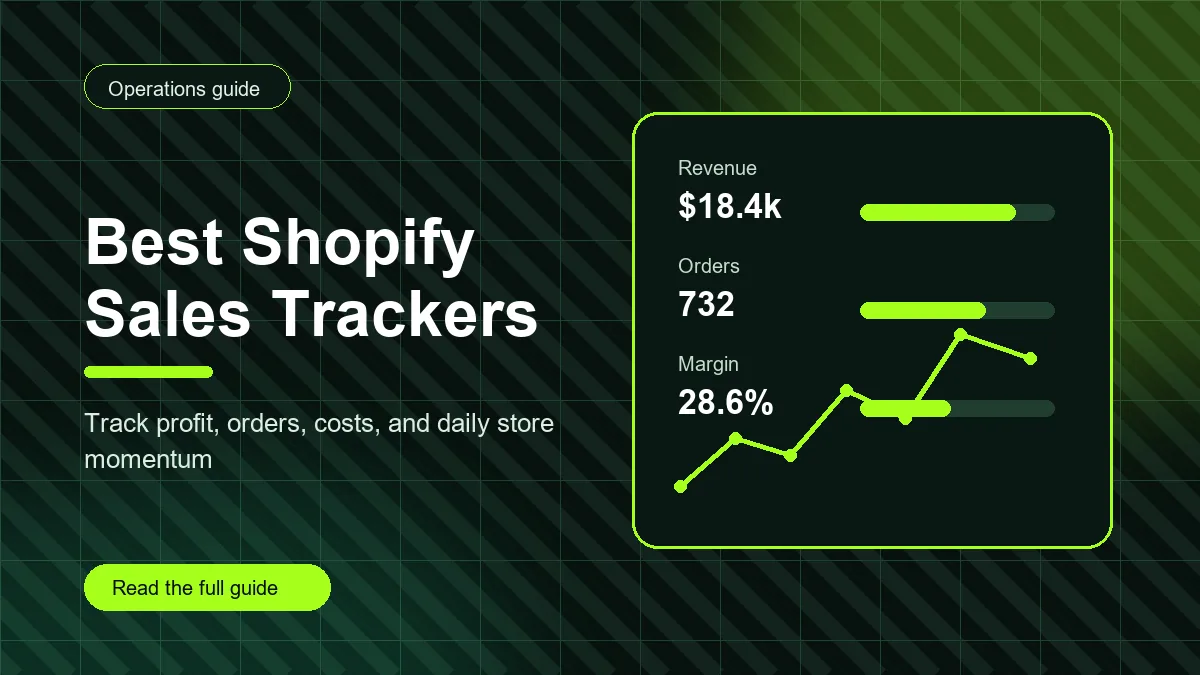
Best Shopify sales trackers do more than count orders. For a Shopify or dropshipping store, a useful tracker connects revenue, product cost, shipping cost, payment fees, ad spend, refunds, fulfillment status, and profit in one operating view. That matters because a store can look healthy in Shopify admin while silently losing margin on shipping, discounting, ads, or supplier changes.
If your Search Console, Shopify dashboard, and ad accounts all tell different stories, this guide will help you choose what to track and how to judge a sales tracker before you trust it with daily decisions.
What a Shopify sales tracker should actually track
The first job of a tracker is to turn raw sales activity into a decision. A basic revenue chart is useful, but it is not enough. You need to know which orders are profitable, which products are dragging down margin, and which tasks need attention before tomorrow's sales repeat the same mistake.
A strong Shopify sales tracker should include order volume, gross revenue, product costs, shipping costs, payment processing fees, refunds, discounts, ad spend, net profit, and margin. For dropshipping, it should also make supplier and fulfillment signals visible because late orders, changed supplier pricing, and inconsistent shipping costs can erase profit after the sale.
Why Shopify profit is different from Shopify sales
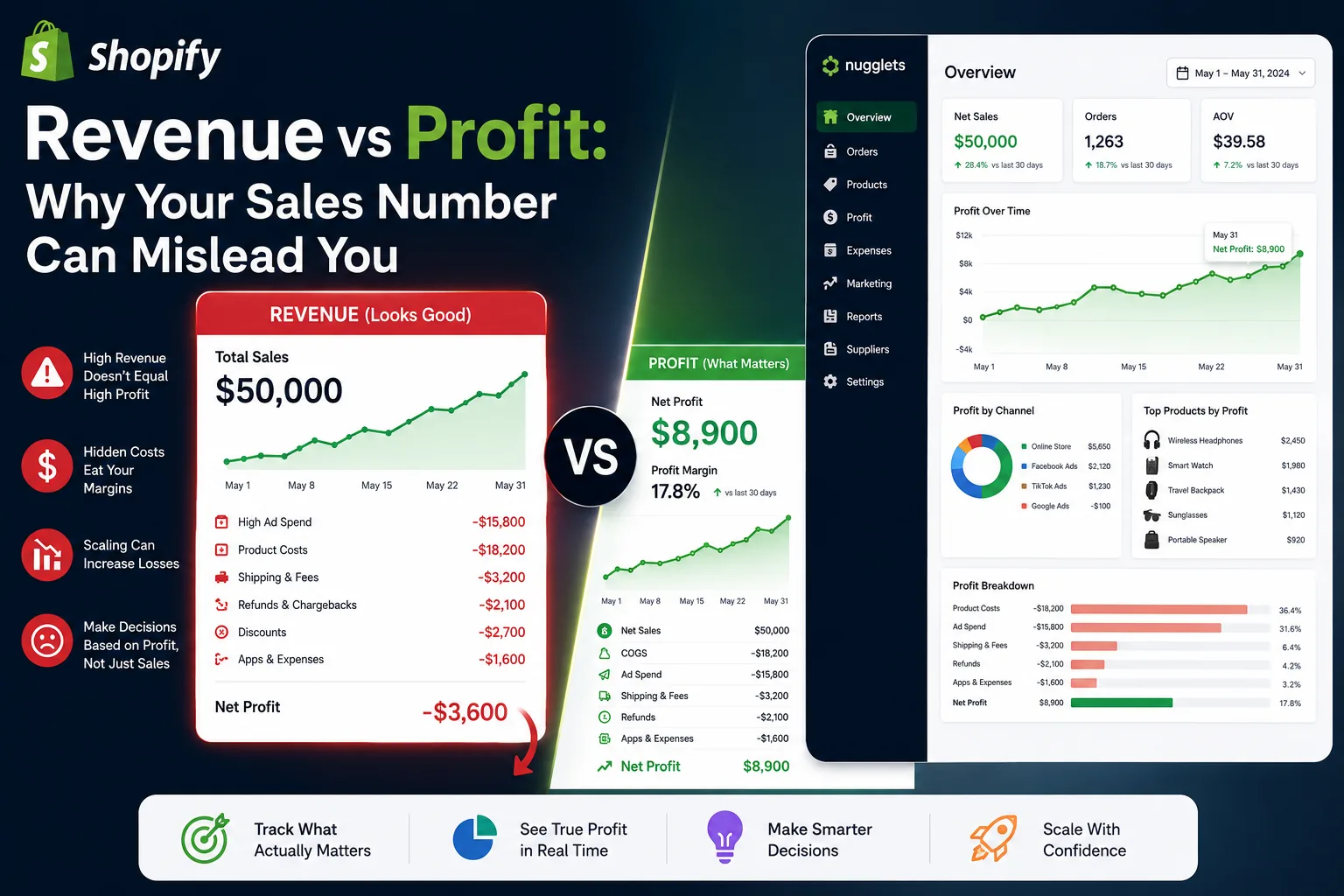
Shopify sales are top-line numbers. Shopify profit is what is left after the work gets paid for. A store can have a high-revenue day and still lose money if the winning product has a low markup, the campaign cost spiked, or refunds came in after a promotion.
That is why the best Shopify sales trackers focus on net profit, not only sales. They help you answer questions like: Which product created the most actual profit? Which order had the lowest margin? Did yesterday's ad spend create profitable sales or just more activity? Are refunds clustered around one supplier or product category?
Best Shopify sales tracker features to compare
1. Profit-first dashboards
A profit-first dashboard shows net profit, gross revenue, costs, fees, refunds, and margin together. This keeps your team from celebrating sales that do not pay for themselves. Look for a dashboard that makes profit visible at the order, product, and daily level.
2. Dropshipping sales tracker workflows
A dropshipping sales tracker should connect sales to suppliers, product costs, shipping costs, and fulfillment tasks. It should help you see when a supplier change affects profit or when a popular product creates too many manual follow-ups.
3. Product-level performance
Revenue by product is only the start. Product-level tracking should show unit cost, selling price, shipping cost, margin, refund patterns, inventory or availability notes, and supplier status. The goal is to identify products worth scaling and products that only look good from a revenue view.
4. Ad spend and fee awareness
If your tracker ignores ad spend and fees, it will overstate performance. Even a simple daily ad spend field is better than guessing. For a growing store, connect campaign costs to revenue and profit so scaling decisions are based on contribution margin instead of enthusiasm.
5. Team tasks and operational context
Numbers alone do not run a store. When sales spike, someone still has to check supplier availability, update tracking, review customer messages, and monitor refunds. The best tracker gives the team a place to turn metrics into tasks.
How to evaluate a Shopify sales tracker before choosing one
Start with your biggest decision. If you mainly need to know whether ads are profitable, choose a tool that makes cost and margin impossible to miss. If your store is fulfillment-heavy, choose one that connects sales to suppliers and order tasks. If you run multiple stores, prioritize a system that keeps store-level performance separate while still giving you a combined view.
Then test the tracker against a normal week. Import or enter a few real products, include product costs and shipping costs, add fees and ad spend, and compare the result against your manual spreadsheet. If the tool makes the right answer easier to find, it is doing its job. If it simply adds another dashboard to check, it may slow you down.
Common sales tracking mistakes
The most common mistake is tracking revenue without costs. The second is reviewing profit only at the end of the month, when the chance to fix the problem has already passed. The third is separating tasks from metrics, so the team sees a problem but does not know who owns the fix.
Another mistake is treating every product the same. A product with lower revenue but higher margin may deserve more attention than a flashy bestseller that requires heavy ad spend. Your tracker should help you compare products by profit quality, not only by sales volume.
Where Nugglets fits
Nugglets is built for ecommerce operators who want sales, profit, supplier, product, and task signals in one place. Instead of forcing store owners to jump between a spreadsheet, Shopify admin, ad dashboards, and notes, Nugglets gives the business a cleaner operating layer for daily decisions.
For teams searching for a dropshipping sales tracker or the best Shopify sales trackers, the practical goal is simple: protect profit before you scale. A good dashboard should make the next action obvious, whether that action is raising a price, pausing a product, checking a supplier, or reviewing ad spend.
Final checklist
- Track net profit, not only revenue.
- Connect products to costs, suppliers, and fulfillment work.
- Review daily profit trends before scaling ads.
- Keep refunds, discounts, fees, and shipping costs visible.
- Turn metric problems into owned tasks.
The best Shopify sales tracker is the one your team will actually use every day. Keep the system simple, make profit visible, and build the habit of reviewing the numbers before the store gets busier.
Expanded tracker playbook for 2026
A useful sales tracker also needs an internal linking plan for how your team moves through decisions. When a team member sees a weak margin number, they should be able to move directly to the related process, not open a blank tab and start hunting. That is why this article links to related Nugglets guides with descriptive anchor text instead of generic phrases. If your store is growing into more than one brand or niche, pair this tracker checklist with the multi-store Shopify operations workflow. If you are testing marketplace fulfillment, compare the tracking habits here with the Amazon dropshipping operations guide.
Think of the tracker as the table of contents for the business. Revenue sends you to sales questions. Margin sends you to cost questions. Refunds send you to product, supplier, and support questions. Late fulfillment sends you to supplier notes and order tasks. The best Shopify sales trackers do not isolate those signals. They make each number a doorway into the next operational step.
Daily metrics to review before making changes
The daily review should be short enough to complete, even on busy days. Start with net profit, revenue, order count, average order value, gross margin, refunds, ad spend, and open fulfillment exceptions. Then look for one abnormal movement. Did revenue climb while margin fell? Did orders increase but support tickets also increase? Did a product sell well but ship late? One abnormal movement is enough to create a task.
For dropshipping teams, daily review should also include supplier-facing checks. Confirm whether any bestselling product had a cost change, stock issue, or shipping delay. A supplier issue does not always show up in sales data immediately. By the time it appears as refunds or angry messages, the store may have already sold more units into the same problem.
Daily tracking works best when the same person or role owns the review. If everyone assumes someone else checked margin, nobody checked margin. Assign ownership for the sales tracker, and make the review visible to anyone responsible for ads, products, suppliers, or support.
Weekly metrics to review before scaling
The weekly review is where you decide whether to scale, pause, or fix. Compare this week to last week by product, campaign, and supplier. Look for products where revenue rose faster than profit. Look for products where refunds increased. Look for campaigns that generated sales but reduced margin. A week is long enough to see patterns without waiting until the problem becomes expensive.
Use this review to update your product list. Products should not stay in the active test group forever. Move each product into a simple status: scale, monitor, fix, pause, or remove. A tracker becomes much more useful when it supports this kind of decision-making. The goal is not to admire the dashboard. The goal is to change the store based on what the dashboard shows.
If you already use a detailed profit view, connect this checklist to a dedicated Shopify profit tracker workflow. That internal link gives readers a deeper next step when they want to move from general sales tracking to net profit reporting.
Monthly metrics to review before changing strategy
The monthly review should focus on strategy, not tiny fluctuations. Which products deserve more content, better offers, or stronger supplier agreements? Which products created too much operational drag? Which traffic channels produced customers who kept the product instead of refunding it? Which store tasks repeated so often that they need a template or automation?
This is also where you check whether your sales tracker still matches your business. A beginner store may only need revenue, orders, cost, and profit. A growing store may need separate dashboards for products, suppliers, campaigns, support, refunds, and store-level performance. Do not add complexity too early, but do not keep a beginner system after the business outgrows it.
How to choose between a spreadsheet and a dashboard
A spreadsheet is a good starting point when volume is low and the owner is the only person making decisions. It is flexible, cheap, and easy to change. The downside is that spreadsheets usually depend on memory and manual updates. As the store grows, the sheet can become a second job.
A dashboard is better when multiple people need the same view, when product and supplier notes matter, or when tasks need to live beside the numbers. If your team keeps copying data into chats, notes, and separate documents, that is a sign that the tracker is no longer acting as the source of truth.
The right choice is the one that reduces decision friction. If a spreadsheet makes the next action obvious, keep using it. If a dashboard helps the team see profit, tasks, and supplier work together, move there before the store gets too busy to clean up the process.
Implementation checklist for a Shopify sales tracker
- Pick one primary metric for daily review: net profit, not revenue.
- Track product cost, shipping cost, ad spend, fees, refunds, and discounts.
- Separate product-level performance from store-level performance.
- Create task owners for margin drops, late fulfillment, and refund spikes.
- Add contextual internal links from related guides so readers can continue to the next operational step.
- Review the tracker weekly and remove metrics that do not change decisions.
When you evaluate the best Shopify sales trackers, do not ask only whether the dashboard looks impressive. Ask whether it helps the team make a better decision today. A tracker that protects profit, clarifies ownership, and connects related workflows is more valuable than a crowded report that nobody uses.
What to document after each tracking review
After every tracking review, write down the decision and the reason. A short note such as “paused Product A because shipping cost increased and net margin fell below target” is more useful than a screenshot of a chart. These notes create a history of why the store changed, which helps when a team member asks why a product was paused or why pricing changed.
Decision notes also improve future content and internal linking. If a recurring issue is profit tracking, link readers to the profit tracker guide. If the issue is managing several storefronts, point readers to the multi-store workflow. Over time, your content library and operating system should answer the questions your business keeps asking.
Run your whole store from one dashboard
Track orders, suppliers, inventory and real profit with Nugglets.
See NuggletsKeep reading
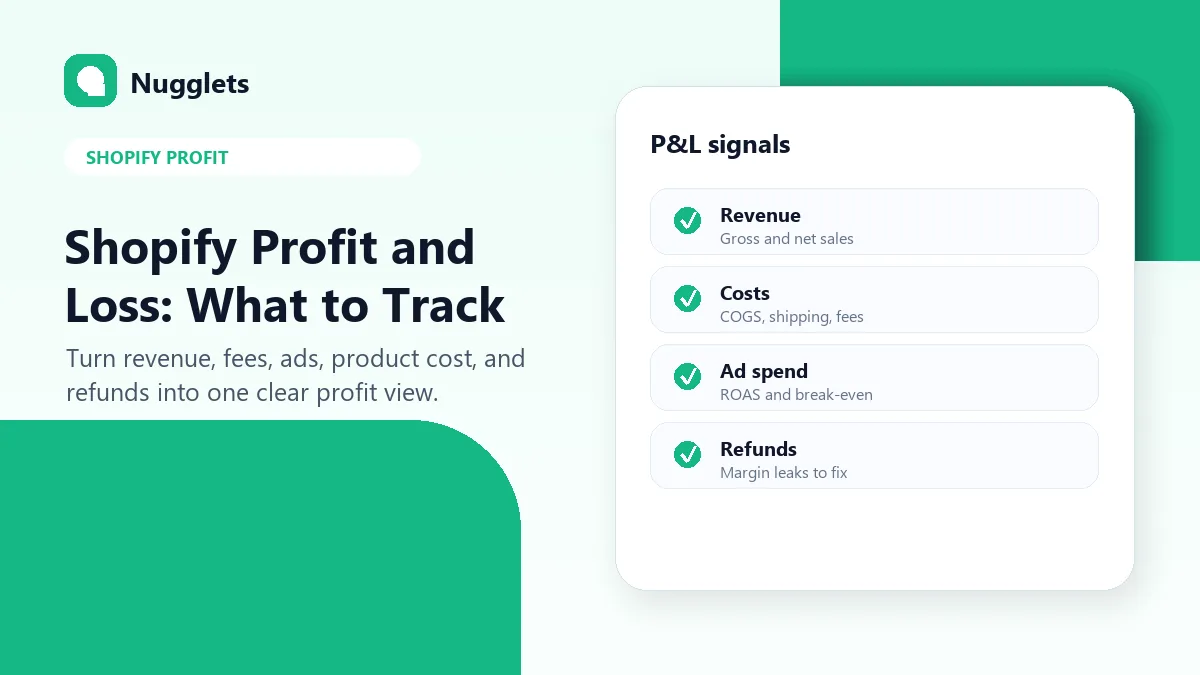
Shopify Profit and Loss: What Store Owners Should Track
Best Shopify Sales Trackers for 2026: What to Look For


Comments 0