
Best Shopify Sales Trackers for 2026: What to Look For
 Brian @brian
·
·
11 min read
1 views
Brian @brian
·
·
11 min read
1 views
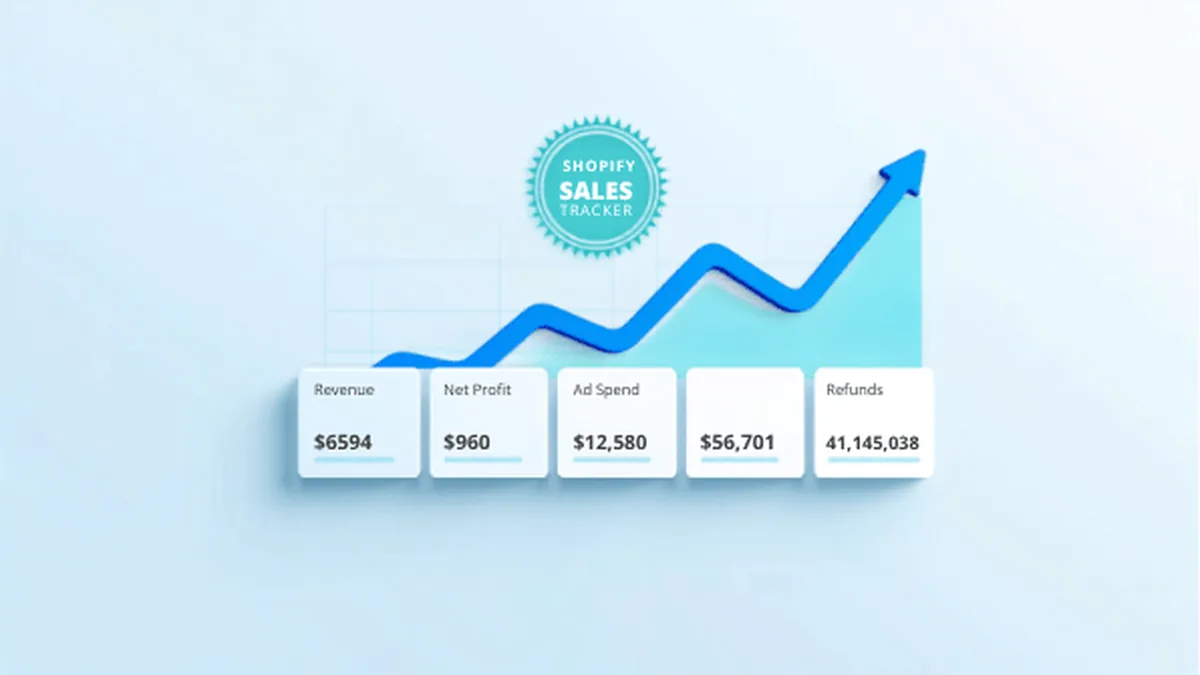
If you searched for the best Shopify sales trackers, you probably do not just want another sales chart. Shopify already shows revenue, orders, traffic, and conversion data. The harder question is whether those sales are actually turning into profit after product costs, payment fees, shipping, refunds, discounts, ad spend, app costs, and the operational time required to fulfill each order.
A useful Shopify sales tracker should help you answer three questions fast: what sold, what it cost to sell it, and what action you should take next. That sounds simple, but many store owners still jump between Shopify reports, ad dashboards, supplier invoices, spreadsheets, and bank statements before they can understand whether the day was actually good.
This guide breaks down what to look for in 2026, how to compare sales tracking tools, when Shopify's built-in reports are enough, and when a dedicated tracker or command center starts to pay for itself. It is written for Shopify sellers, dropshippers, print-on-demand operators, and small ecommerce teams that want cleaner numbers without building a finance department.
What a Shopify sales tracker should track
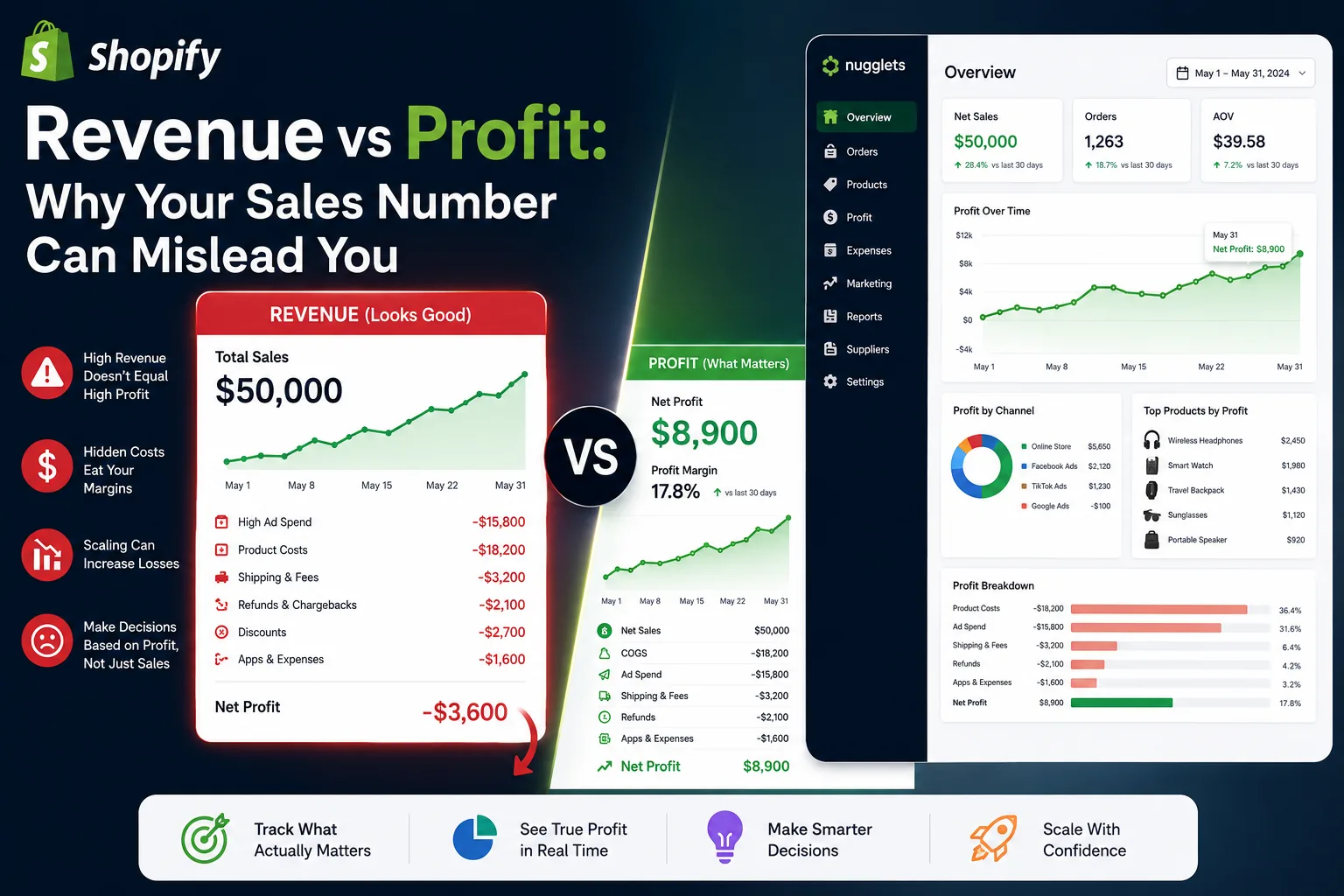
The best Shopify sales trackers go beyond gross sales. Revenue is helpful because it shows demand, but it can hide weak margins, rising ad costs, heavy discounting, frequent refunds, and products that look popular while quietly losing money. A dashboard that celebrates revenue without showing cost can push you toward the wrong decisions.
At minimum, look for a tracker that captures orders, revenue, product costs, shipping costs, refunds, discounts, fees, and marketing spend. If you run paid ads, the tracker should connect sales to campaign cost. If you run multiple stores, it should let you compare stores without exporting CSV files. If you sell through suppliers, it should make product cost updates simple enough that you will actually keep them current.
Here is the difference in plain language: a sales report tells you what happened. A sales tracker helps you decide what to do next. The second one is far more useful when your store is growing and the small costs start multiplying.
Start with search intent: why people look for sales trackers
Most people do not search for a Shopify sales tracker because they love dashboards. They search because something feels unclear. Maybe revenue is up but cash feels tight. Maybe a product is selling well but refunds are eating the margin. Maybe ad spend increased and the store owner cannot tell whether the campaigns are profitable. Maybe the team runs two or three stores and the owner is tired of opening separate admin tabs all day.
That intent matters when choosing software. If your main pain is accounting, you may need bookkeeping workflows. If your main pain is marketing attribution, you may need deeper ad analytics. If your main pain is daily store operations, you want a tracker that combines sales, profit, orders, suppliers, and product context in one place.
Nugglets focuses on that daily operations layer. It gives ecommerce teams a single command center for sales, profit, orders, suppliers, inventory signals, and competitor monitoring, so the numbers are tied to the work people actually need to do.
Best Shopify sales tracker features to compare
1. Real profit by product
Product-level profit is often more useful than store-wide revenue. A tracker should show which products bring in cash after costs, not just which products move volume. This is especially important for dropshipping and print-on-demand stores where supplier costs, shipping times, and refund rates can vary widely by SKU.
For example, one product might generate $8,000 in monthly revenue with a 12 percent net margin, while another generates $3,000 with a 38 percent net margin. If you only sort by revenue, the first product looks more important. If you sort by real profit, the second product may deserve more attention, better creative testing, and safer inventory planning.
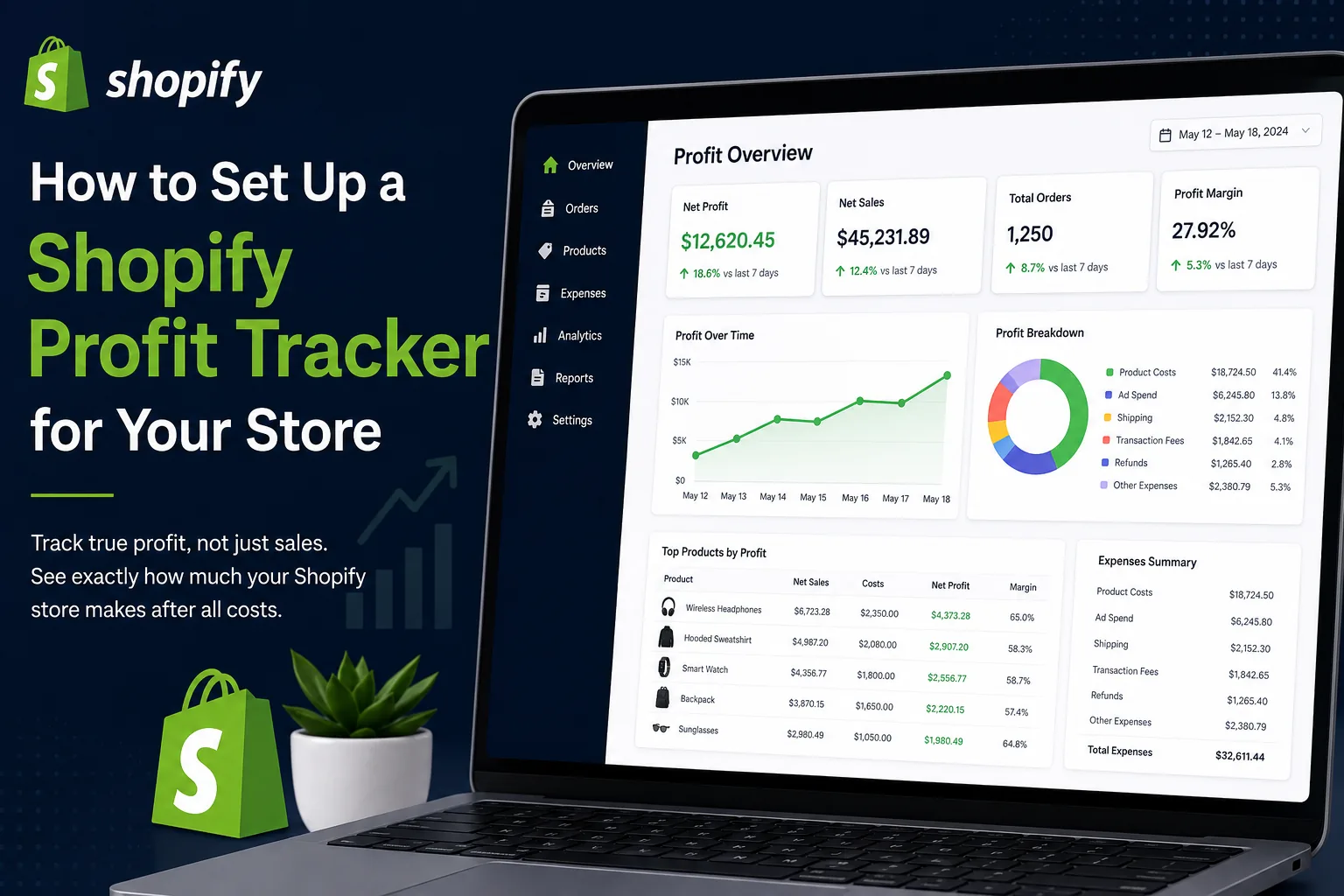
If you are already thinking about profit visibility, read our guide to setting up a Shopify profit tracker.
2. Daily sales and cost trends
A good tracker should make trends obvious. You want to see whether sales are growing, whether margin is slipping, and whether ad spend is scaling faster than revenue. Daily trend lines help you catch problems before month-end numbers feel mysterious.
Look for charts that can show revenue, net profit, order count, refunds, and ad spend together. A revenue spike may look exciting until you see that the spike came from deep discounts or a campaign that barely broke even. A slower sales day may not be bad if profit margin was stronger and fulfillment stayed clean.
3. Ad spend and break-even visibility
For paid acquisition, the sales tracker should help you understand break-even ROAS and contribution margin. A campaign can generate orders and still be a bad decision if the margin is too low. The best setup shows revenue, product cost, ad spend, and net profit together instead of forcing you to reconcile three tabs.
This matters because ad platforms optimize toward their own signals. They may report purchases, conversion value, or return on ad spend, but they usually do not know your real product costs, refund patterns, supplier fees, or manual adjustments. The store owner needs a view that brings those pieces together.
For the math behind this, see how to calculate break-even ROAS for Shopify.
4. Multi-store reporting
If you run more than one Shopify store, the tracker should support consolidated reporting. You should be able to see total sales across stores, then drill into each brand or storefront without exporting spreadsheets. This matters when one store is growing while another is consuming ad budget, supplier attention, or operations time.
A multi-store dashboard also helps you compare patterns. One store may have better conversion but weaker margin. Another may have lower revenue but higher repeat purchase behavior. Seeing everything together helps you decide where to spend time instead of treating every store as a separate emergency.
For the operating side, start with our guide to managing multiple Shopify stores.
5. Order and supplier context
Sales tracking gets more useful when it sits near order management. If a best-selling product has delayed fulfillment, frequent supplier changes, stock uncertainty, or refund pressure, the sales number alone is not enough. Look for a system that lets you connect the sales view to orders, suppliers, and inventory signals.
This is one reason spreadsheet-only tracking tends to break down. Spreadsheets can calculate profit, but they do not naturally show which orders need action, which suppliers are causing delays, or which product pages should be watched more closely. The best Shopify sales tracker helps connect analysis to workflow.
Shopify sales tracker comparison checklist
| Feature | Why it matters | Best for |
|---|---|---|
| Gross sales | Shows top-line demand and buying activity | Every Shopify store |
| Net profit | Shows what is left after real costs | Dropshipping, paid ads, scaling brands |
| Product cost tracking | Prevents revenue from hiding margin problems | Stores with many SKUs or suppliers |
| Refund tracking | Shows products and campaigns that create hidden losses | Apparel, gadgets, seasonal products |
| Ad spend tracking | Connects campaigns to actual profitability | Meta, Google, and TikTok advertisers |
| Multi-store dashboard | Combines stores without spreadsheet work | Operators running multiple Shopify stores |
| Order context | Links sales data to fulfillment and supplier issues | Dropshippers and lean ecommerce teams |
How to choose the right tracker for your stage
If your store is brand new, you may not need a heavy stack. Start with clean product costs, basic sales reports, and a simple habit of reviewing profit weekly. The main goal at this stage is to avoid confusing revenue with success.
If your store is getting consistent orders, you need better daily visibility. This is where a dedicated Shopify sales tracker becomes useful. You want to know what sold today, which products are producing profit, whether ad spend is safe, and whether fulfillment problems are starting to appear.
If you are scaling, managing multiple stores, or spending heavily on ads, you need a more complete operating dashboard. At that point, the tracker should not be isolated from order workflows, supplier management, inventory visibility, and competitor monitoring. The more moving pieces you have, the more valuable a single source of truth becomes.
When Shopify's built-in reports are enough
Shopify's native reporting is a strong starting point for sales, product performance, traffic, conversion behavior, and customer data. For a small store with simple costs and little ad spend, built-in reports may be enough at first. They are also convenient because they live inside the admin your team already uses.
You will usually need a dedicated tracker when you start asking questions Shopify reports do not fully answer on their own: which products are profitable after ads, which store is creating the best margin, which supplier issues are hurting sales, and which orders need attention today. Those questions require operational context, not just reporting.
Common mistakes when comparing sales trackers
The first mistake is choosing the tool with the most charts instead of the clearest decisions. A dashboard can look impressive while still leaving you unsure what to do. The second mistake is ignoring cost maintenance. If updating product costs is painful, your profit numbers will drift out of date.
The third mistake is forgetting the team. A tracker that only the owner understands will not help fulfillment, support, or marketing move faster. The best tracker gives each person enough context to do their job without asking for another export. The fourth mistake is waiting until the store feels messy. It is easier to build clean habits while the business is small than to rebuild everything after the numbers become confusing.
Where Nugglets fits
Nugglets is built for store owners who want sales, profit, orders, suppliers, inventory, and competitor signals in one place. Instead of checking Shopify, ad platforms, supplier notes, and spreadsheets separately, you can use one command center to see what is happening and what needs action.
The goal is not to replace Shopify. Shopify remains the commerce engine. Nugglets sits beside it as the operating layer: the place where you monitor real profit, understand product performance, keep an eye on orders, and make calmer decisions across the store.
If you want a sales tracker that is closer to an operating dashboard, explore the Nugglets features, try the live Nugglets demo, or compare the pricing plans.
Frequently asked questions
What is the best Shopify sales tracker?
The best Shopify sales tracker is the one that matches your real decision-making needs. For simple stores, Shopify's built-in reporting may be enough. For stores with ads, suppliers, refunds, and multiple products, look for real profit tracking, product-level margins, and operational context.
Is a sales tracker different from a profit tracker?
Yes. A sales tracker focuses on orders and revenue. A profit tracker connects those sales to product costs, fees, refunds, shipping, and ad spend. Many serious Shopify operators eventually need both views in the same dashboard.
Do dropshipping stores need a sales tracker?
Dropshipping stores benefit from sales tracking because supplier costs, shipping reliability, refund rates, and ad spend can change quickly. A product that looks like a winner by revenue can become weak once every cost is counted.
A weekly sales tracking routine
A tool is only useful if it creates a habit. For most Shopify stores, a weekly sales tracking routine should take less than 30 minutes and should answer the same questions every time. Start with total revenue, then compare gross profit, net profit, refund rate, top products, worst products, ad spend, and open fulfillment issues. The point is not to admire numbers. The point is to decide what changes before the next week starts.
A practical routine looks like this: review the top five products by revenue, then review the top five by net profit. If the lists are different, ask why. Check whether any high-revenue product has a weak margin, rising refunds, or supplier delays. Then review ad spend against contribution profit, not just purchases. Finally, write down three actions: a product to scale, a product to watch, and an operational issue to fix.
That rhythm keeps the tracker from becoming background noise. It also gives the team a shared language. Marketing can talk about campaigns in terms of profit, operations can flag supplier problems that affect best sellers, and the owner can make decisions from one clean view instead of rebuilding the story every Monday.
What data should you clean first?
If your numbers feel messy, start with product costs. No profit tracker can produce trustworthy results when costs are missing or outdated. Next, clean refund data and make sure discounts are being counted correctly. After that, connect or enter ad spend. You do not need perfection on day one, but you do need enough reliable inputs to avoid false confidence.
Once the basics are clean, create a simple naming convention for stores, products, suppliers, and campaigns. Boring consistency makes analysis easier. A tracker becomes far more powerful when the data underneath it is not fighting you.
Bottom line
The best Shopify sales tracker for 2026 is the one that turns sales data into decisions. Prioritize tools that show net profit, product-level performance, ad spend, refunds, order context, and multi-store visibility. Revenue is the headline. Profit and actionability are what keep the store healthy.
Run your whole store from one dashboard
Track orders, suppliers, inventory and real profit with Nugglets.
See NuggletsKeep reading
Shopify Revenue vs Profit: Why Your Sales Number Can Mislead You
How to Set Up a Shopify Profit Tracker for Your Store


Comments 0