
Shopify Profit and Loss: What Store Owners Should Track
 Brian @brian
·
·
4 min read
7 views
Brian @brian
·
·
4 min read
7 views
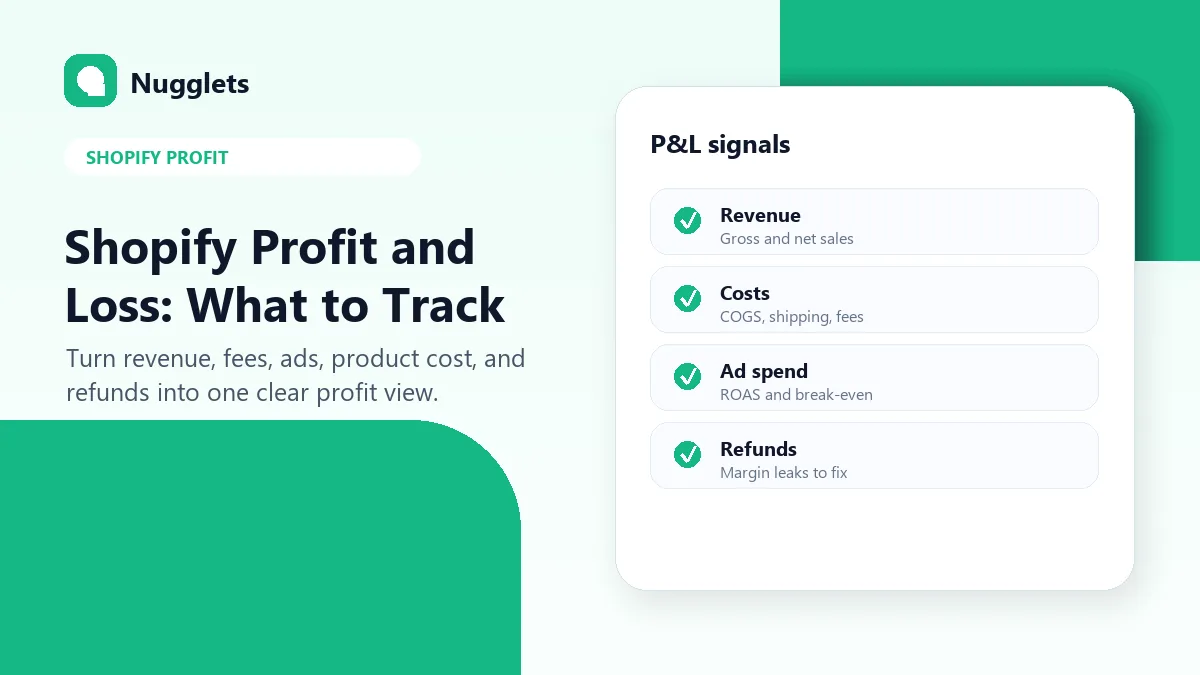
Shopify profit and loss tracking is the difference between knowing that your store sold something and knowing whether the store actually made money. Sales reports are useful, but revenue alone will not tell you whether a product, ad campaign, or store is healthy. A store can have a strong revenue day and still disappoint once product cost, shipping, discounts, fees, ad spend, and refunds are included.
This guide shows what Shopify store owners should track, how often to review it, and where Nugglets fits when you want one dashboard for sales, costs, refunds, and true net profit. Use it as a practical operating checklist, not an accounting textbook. The goal is to make profit visible enough that you can make better product, pricing, fulfillment, and marketing decisions.
Shopify profit and loss: quick definition
A Shopify profit and loss workflow compares the money coming in with the costs required to generate and fulfill those orders. At minimum, track sales, discounts, product cost, shipping, transaction fees, ad spend, refunds, and any recurring tools that support the store. The more often you review those inputs, the less likely you are to mistake activity for progress.
| Metric | What it answers | Review cadence |
|---|---|---|
| Revenue | How much the store sold before costs. | Daily |
| COGS | What products cost to source or make. | Weekly |
| Shipping | What fulfillment costs per order. | Weekly |
| Fees | Payment and platform costs tied to selling. | Weekly |
| Ad spend | How much paid traffic costs. | Daily or weekly |
| Refunds | Which products or promises create margin leaks. | Weekly |
| Net profit | What the store keeps after key costs. | Weekly |
Start with Shopify reports, then add the missing costs
Shopify Analytics and sales reports are a good starting point for store activity, product sales, channels, and customer behavior. They help you understand what happened in the store. You can see sales trends, products, order activity, and other useful signals that tell you where the business is moving.
The profit question usually needs a second layer. If product costs are incomplete, ad spend lives in another platform, and refunds are reviewed separately, the owner can overestimate performance. The goal is not more dashboards. The goal is one profit view you trust enough to use every week.
Separate sales, gross profit, contribution profit, and net profit
Profit language can feel heavier than it needs to be. For store decisions, keep the layers simple. Sales tell you what customers paid. Gross profit tells you what remains after product and fulfillment costs. Contribution profit adds performance marketing into the picture. Net profit gives the clearest picture of what the store actually keeps after important operating costs.
- Sales: total order value before costs.
- Gross profit: sales minus product cost and fulfillment-related costs.
- Contribution profit: gross profit minus ad spend and variable selling costs.
- Net profit: contribution profit minus other operating expenses.
You do not need complex accounting language to use this. You just need a repeatable weekly review that separates product problems from ad problems and operations problems. When every cost is mixed together, the next decision gets fuzzy.
Track product cost before you scale ads
Product cost is the foundation of Shopify profit. For dropshipping stores, that might be supplier cost plus shipping. For branded or private-label stores, it might include COGS, packaging, inbound freight, and fulfillment cost. If those costs are wrong, every profit calculation downstream becomes unreliable.
Before increasing ad spend, run the numbers through a profit calculator. A product that looks exciting at the revenue level can become weak after shipping, transaction fees, discounts, and returns. If a product needs unrealistic conversion rates or perfect refund behavior to work, fix the economics before buying more traffic.
Watch refunds as a margin signal
Refunds are not only a customer service issue. They are a profit signal. A product with a rising refund rate may have unclear expectations, quality issues, shipping delays, weak packaging, or the wrong audience. If you only review refunds at the end of the month, you may keep promoting a product that is already telling you something is wrong.
During a weekly Shopify profit review, look for refund patterns by product, supplier, offer, and channel. A few refunds can be normal. Repeated refunds around the same item deserve attention. Sometimes the fix is a clearer product page. Sometimes it is a supplier change. Sometimes it is a product pause.
Connect ad spend to profit, not only ROAS
Many stores review advertising through platform metrics first. That can be useful, but ad platform reporting does not always show the full store-level profit picture. A campaign can look acceptable by revenue while producing weak contribution profit after product cost, fees, discounts, and refunds.
When reviewing ads, ask whether the product still makes money after the sale is fulfilled. Also check whether discounts are doing too much of the work. A high-revenue campaign with thin margin can be useful for a short test, but it should not become the default growth plan unless the profit math supports it.
Watch profit by product, order, and store
Storewide profit is helpful, but it can hide the details that matter. A few strong products might carry several weak ones. One refund-heavy product can make paid traffic look worse than it really is. One store can mask another store's decline. A good Shopify profit and loss workflow needs both the big picture and the details.
Nugglets is built around these smaller views. The Shopify profit tracker helps store owners see real profit per product and order, while the sales tracker keeps revenue and profit trends together. If you operate several stores, pair this with a multi-store dashboard so one weak store does not disappear inside total revenue.
Use a weekly Shopify profit review
Set a simple weekly rhythm. First, check whether sales grew. Second, check whether gross margin held. Third, review refunds and high-cost orders. Fourth, compare ad spend to profit, not only to revenue. Finally, decide what to scale, pause, or fix. The review should end with actions, not just observations.
- Scale products with healthy margin and low refund pressure.
- Fix products with demand but poor supplier or shipping costs.
- Pause products that sell but do not contribute profit.
- Review stores separately if you manage more than one Shopify store.
- Update product costs when suppliers or shipping rates change.
- Flag orders where profit changed after refunds or replacements.
Build a simple Shopify P&L dashboard
Your dashboard does not need to be complicated. Start with revenue, orders, gross profit, ad spend, refunds, and net profit. Then add product-level and store-level views as the business grows. The important part is consistency. If you change the math every week, you cannot trust the trend.
A useful dashboard should answer these questions quickly: which products made money, which orders lost margin, which store is strongest, which costs changed, and what should the owner do next? That is the reason to use a tool like Nugglets instead of juggling exports, spreadsheets, and separate ad reports.
FAQ
What is Shopify profit and loss?
Shopify profit and loss is a clear view of store revenue minus the costs needed to sell and fulfill orders. It should include product cost, shipping, fees, ads, refunds, and other important operating costs.
Does Shopify calculate profit automatically?
Shopify reports provide valuable sales and analytics data. Many stores still need a separate workflow to combine product costs, ad spend, refunds, and other expenses into one profit view.
What should I check first if profit looks low?
Start with product cost accuracy, shipping cost, refunds, and ad spend. Those four areas often explain why revenue looks fine while profit feels thin.
How often should I review Shopify profit?
Review daily for obvious order issues and weekly for product, pricing, supplier, refund, and ad spend decisions. Monthly reviews are useful, but they are too slow for fast-moving products.
Next step
A Shopify profit and loss workflow is only useful when it is easy to maintain. Use Nugglets to connect sales, costs, ads, refunds, order data, and store-level performance in one dashboard.
Run your whole store from one dashboard
Track orders, suppliers, inventory and real profit with Nugglets.
See NuggletsKeep reading
Best Shopify Sales Trackers for 2026: What to Look For
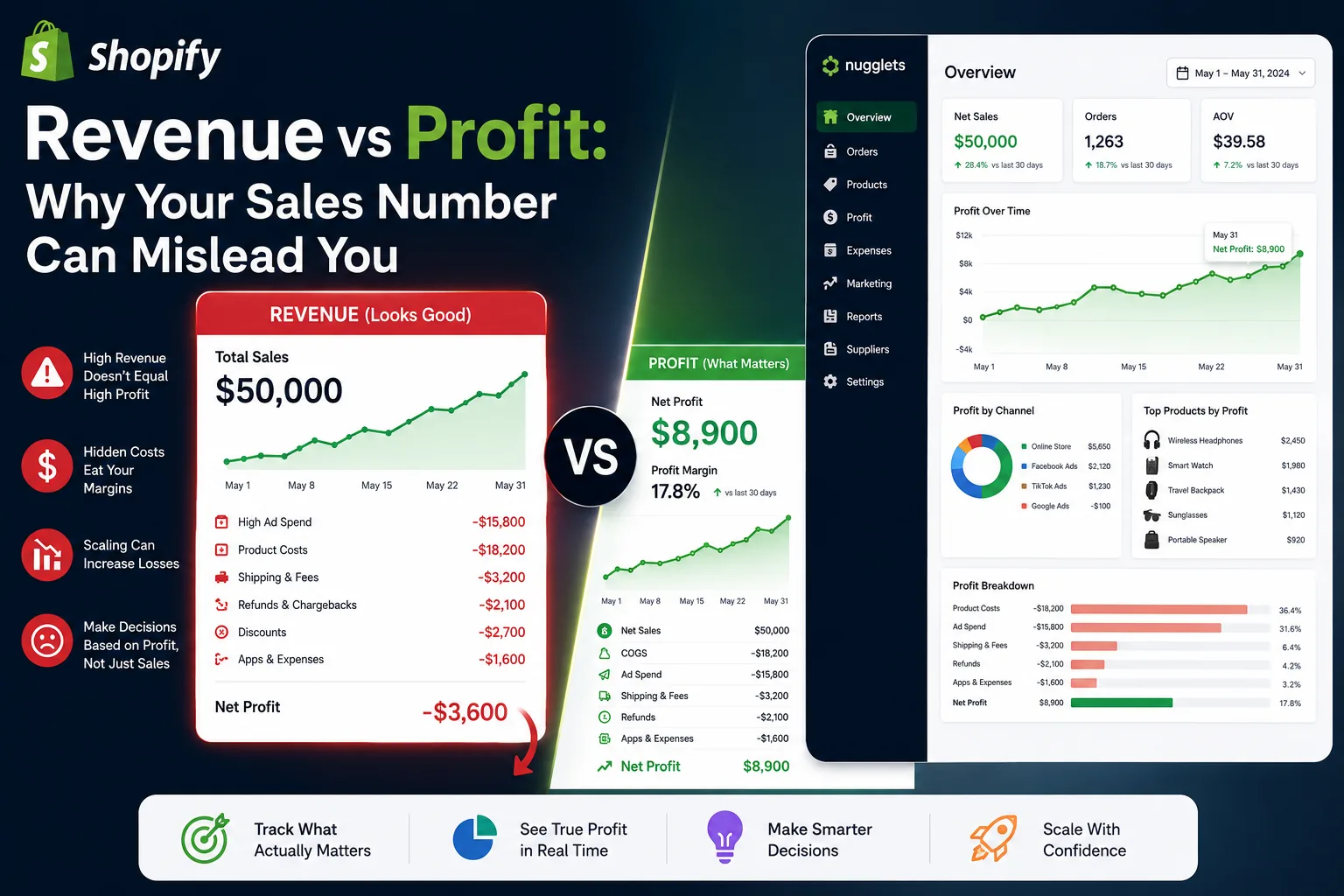
Shopify Revenue vs Profit: Why Your Sales Number Can Mislead You


Comments 0