
Managing Multiple Shopify Stores Without Losing Profit
 Brian @brian
·
·
10 min read
5 views
Brian @brian
·
·
10 min read
5 views
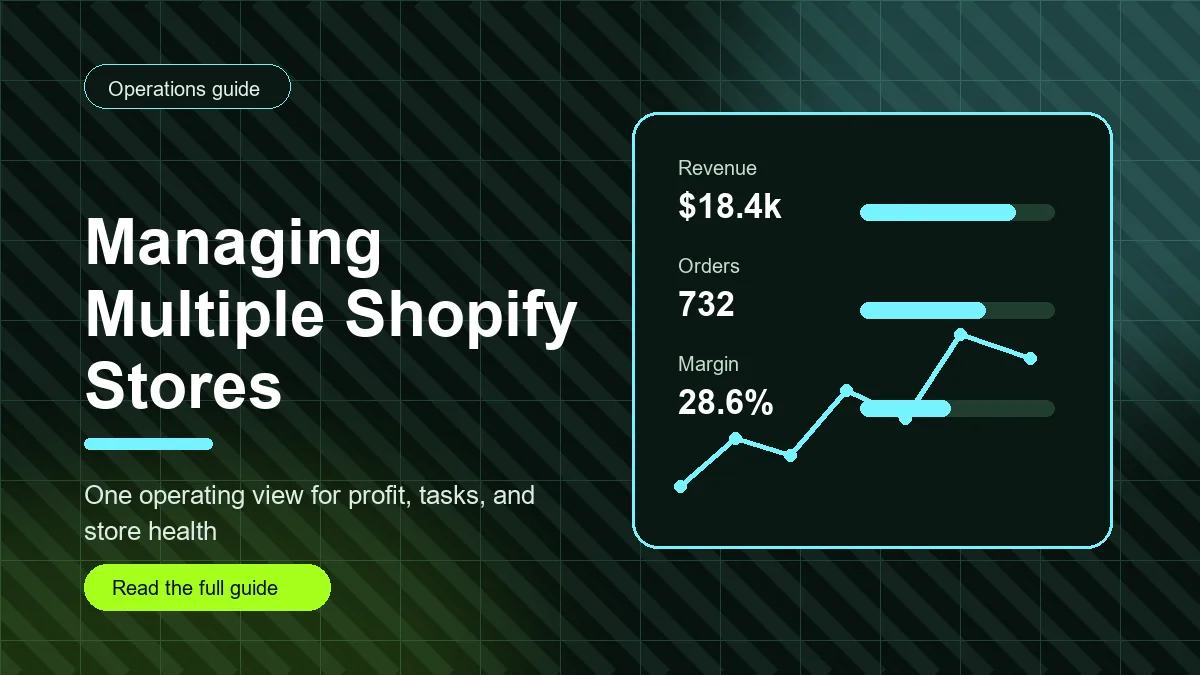
Managing multiple Shopify stores is not just a login problem. It is an operating problem. The hard part is keeping each store's profit, products, suppliers, tasks, customer issues, and marketing decisions separate enough to understand, while still giving yourself one clear view of the business.
When every store has its own admin, products, campaigns, and follow-up work, small mistakes multiply. A missed supplier update in one store becomes a refund problem. A discount that worked in one niche gets copied into another store with thinner margins. A Shopify admin outage or login issue interrupts the day because the team has no backup workflow.
This guide gives you a practical system for running multiple stores without losing track of Shopify profit or daily priorities.
Start with a store-level operating map
Before adding more dashboards, write down the role of each store. Every store should have a clear market, product category, supplier set, margin expectation, and owner. If two stores sell similar products, note why they are separate. If one store is experimental and another is the main revenue driver, treat their metrics differently.
Your operating map should include the store name, platform URL, primary audience, top products, main suppliers, payment processor notes, ad account links, support inbox, and key recurring tasks. This turns scattered memory into a system your team can follow.
Separate revenue from profit by store
The biggest risk in managing multiple Shopify stores is combining numbers too early. A portfolio view is useful, but each store needs its own profit story. Track gross sales, product cost, shipping cost, ad spend, discounts, fees, refunds, and net profit separately before rolling everything up.
This matters because one store can hide another store's problems. A high-performing store may make the total business look healthy while a newer store burns ad spend or creates fulfillment issues. Store-level profit makes the weak points obvious.
Use one weekly scorecard
A weekly scorecard keeps multi-store management simple. For each store, review revenue, net profit, margin, refund rate, top product, worst product, open fulfillment tasks, customer support issues, and next action. Keep it short enough to review in one sitting.
The goal is not to build a perfect report. The goal is to force a decision. Should you increase ad spend, pause a product, update pricing, replace a supplier, or clean up support tickets? A good scorecard leads to a next step.
Prevent duplicate work with reusable checklists
When you run one store, you can remember the routine. When you run several, routine work needs checklists. Create reusable task lists for product launch, supplier review, pricing review, ad test review, refund review, and weekly performance review.
Each checklist should be store-specific when it is assigned. Do not create a generic note that says review products. Create a task that says review Store A's top five products for product cost, selling price, shipping cost, and refund issues. Specific tasks reduce confusion and help assistants or team members move faster.
Build a backup workflow for Shopify admin outage or login down issues
Searches like Shopify admin outage and Shopify login down usually come from a stressful moment. The best time to plan for that moment is before it happens.
If Shopify admin is unavailable, first check Shopify Status to see whether there is a known platform issue. If login is failing for only one user, check account permissions, browser sessions, two-factor authentication, and whether another admin can access the store. If the issue appears platform-wide, shift the team to work that does not require admin access.
Backup work can include reviewing ad comments, updating product research notes, preparing customer support templates, checking supplier availability, writing product descriptions, auditing yesterday's profit notes, or planning the next promotion. The point is to keep the operation moving without guessing inside a broken login flow.
Keep roles and permissions tidy
More stores usually means more people touching more systems. Review staff permissions regularly. Give team members the access they need, but avoid letting every person access every setting in every store. When roles are clear, mistakes are easier to prevent and easier to investigate.
For teams with higher complexity, Shopify organization tools can help centralize administrative control. Even if you stay simple, document who owns store setup, product work, supplier communication, ads, support, and finance.
Track shared suppliers across stores
Supplier overlap is common in multi-store operations. One supplier may feed products into several stores, which makes cost changes and shipping delays more important. Keep a shared supplier record that shows which stores and products depend on that supplier.
If a supplier raises prices or shipping slows down, you should know which stores are affected before complaints or margin issues appear. This is where a plain spreadsheet can work at first, but a dedicated operations dashboard becomes easier as the business grows.
Where Nugglets fits
Nugglets helps ecommerce teams keep store operations, product data, supplier notes, orders, and profit signals closer together. For anyone managing multiple Shopify stores, that means fewer disconnected notes and a clearer view of which store needs attention today.
The main habit is simple: review each store separately, then review the whole business. Keep profit visible. Keep tasks assigned. Keep supplier issues documented. When admin access is interrupted, use your backup workflow instead of losing the day.
Multi-store management checklist
- Create a store-level operating map.
- Track profit separately for every store.
- Use one weekly scorecard with a clear next action.
- Turn repeated work into reusable checklists.
- Document backup tasks for admin or login outages.
- Review staff permissions and supplier dependencies regularly.
Managing multiple Shopify stores gets easier when the business has one operating rhythm. The stores can stay separate, but the way you review profit, assign work, and respond to problems should feel consistent.
Expanded multi-store operating system
Managing multiple Shopify stores becomes easier when every store follows the same operating rhythm. The brands, products, suppliers, and audiences may be different, but the review process should feel familiar. A consistent process also makes internal links more useful. When this article mentions sales tracking, it links to the Shopify sales tracker checklist instead of sending readers to a vague dashboard page. When it mentions marketplace operations, it points to the Amazon dropshipping 2026 guide so the next step is clear.
That same principle applies inside your business. Do not make team members guess where store notes, supplier notes, product costs, and daily tasks live. Each store should have a home base, and every recurring workflow should point back to that source of truth.
Create a portfolio view without hiding store problems
A portfolio view is helpful only after each store has clean individual numbers. If you combine stores too early, strong stores hide weak stores. A blended margin can look acceptable while one store loses money and another carries the business. That is why the first rule is store-level clarity before portfolio-level reporting.
For each store, track gross revenue, net profit, gross margin, refunds, ad spend, top product, worst product, supplier issues, and open tasks. Then create a portfolio summary that compares stores side by side. The summary should not replace the individual store reports. It should tell you where to look first.
The best portfolio reviews answer three questions: Which store deserves more investment? Which store needs a fix? Which store is creating work that does not match its profit contribution? Those questions are more useful than simply ranking stores by revenue.
Build a store scorecard your team will actually read
A good scorecard is short, consistent, and action-oriented. Use the same fields for every store so comparisons are easy. Include store name, weekly revenue, weekly net profit, margin, refund count, fulfillment exceptions, support issues, supplier issues, and next action. If a field does not lead to a decision, remove it.
Write the next action in plain language. Instead of “margin review,” write “review the top three discounted products and decide whether to raise price or pause ads.” Instead of “supplier issue,” write “confirm whether Supplier A can ship the blue variant this week.” Clear actions reduce the mental load of multi-store management.
When a scorecard reveals weak profit, link the team to a deeper Shopify profit tracker process. When it reveals supplier or order issues, link to the store's supplier notes or task board. The point is to connect the metric to the fix.
Use templates for repeated work
Every store will need product research, supplier checks, pricing reviews, promotion planning, refund review, and weekly reporting. If each store invents those tasks from scratch, the team wastes time and misses details. Templates make the work repeatable.
A product launch template might include product cost, selling price, target margin, supplier, shipping estimate, product images, description status, ad angle, refund risks, and first review date. A weekly review template might include profit, top product, slow product, customer issues, supplier issues, and next action. A Shopify admin outage template might include status check, alternative admin account, browser checks, support contact, and backup tasks.
Templates should not become bureaucracy. They should make it easier to do the same important work every time. If a template is too long, people will skip it. If it is too vague, it will not prevent mistakes. Keep templates tight and specific.
Plan for Shopify admin outage or login down searches
When people search for Shopify admin outage or Shopify login down, they usually need a fast answer. For store operators, the first step is to separate platform-wide issues from account-specific issues. Check Shopify Status, then test whether the issue affects one user, one browser, one device, or the whole team.
If the issue is platform-wide, avoid repeatedly refreshing and losing the day. Move to prepared backup work: product copy, supplier follow-ups, support templates, ad creative planning, profit review, or documentation cleanup. If the issue is account-specific, check permissions, two-factor authentication, browser sessions, and whether another admin can still access the store.
Document the outage afterward. Which stores were affected? Which tasks were delayed? Which backup tasks were completed? This turns a stressful interruption into a better process for next time.
Internal linking checklist for multi-store content
- Use descriptive anchor text that tells the reader what the linked page covers.
- Link from strategy pages to tactical checklists and from tactical checklists back to strategy pages.
- Cross-link related Shopify, dropshipping, supplier, and profit articles so readers can continue the workflow.
- Update older high-impression posts with links to new posts when the topic is closely related.
- Avoid forcing links into unrelated sentences just to increase link count.
Multi-store management is not about having more tabs open. It is about building a repeatable operating system. Keep each store's numbers clean, give the team consistent templates, and use internal links or dashboards to move from a problem to the next best action.
How to review store overlap
Store overlap happens when two stores share products, suppliers, audiences, ad angles, or support workflows. Some overlap is useful because it lets the team reuse what works. Too much overlap creates confusion. If two stores sell the same product to similar buyers, compare their profit, refund rate, ad cost, and support load before deciding whether both stores should keep selling it.
Review overlap once a month. Mark shared suppliers, shared bestsellers, shared support issues, and shared promotions. Then decide whether to standardize the process or separate the stores more clearly. This review prevents a hidden issue in one store from quietly spreading to the rest of the portfolio.
What to keep in the monthly owner review
The owner review should be different from the team review. The team review asks what needs to happen this week. The owner review asks whether the store still deserves capital, attention, and inventory or supplier focus. Compare each store by net profit, time required, risk, and future opportunity. A store that is smaller but simpler may be more valuable than a larger store that consumes the whole team.
Run your whole store from one dashboard
Track orders, suppliers, inventory and real profit with Nugglets.
See NuggletsKeep reading
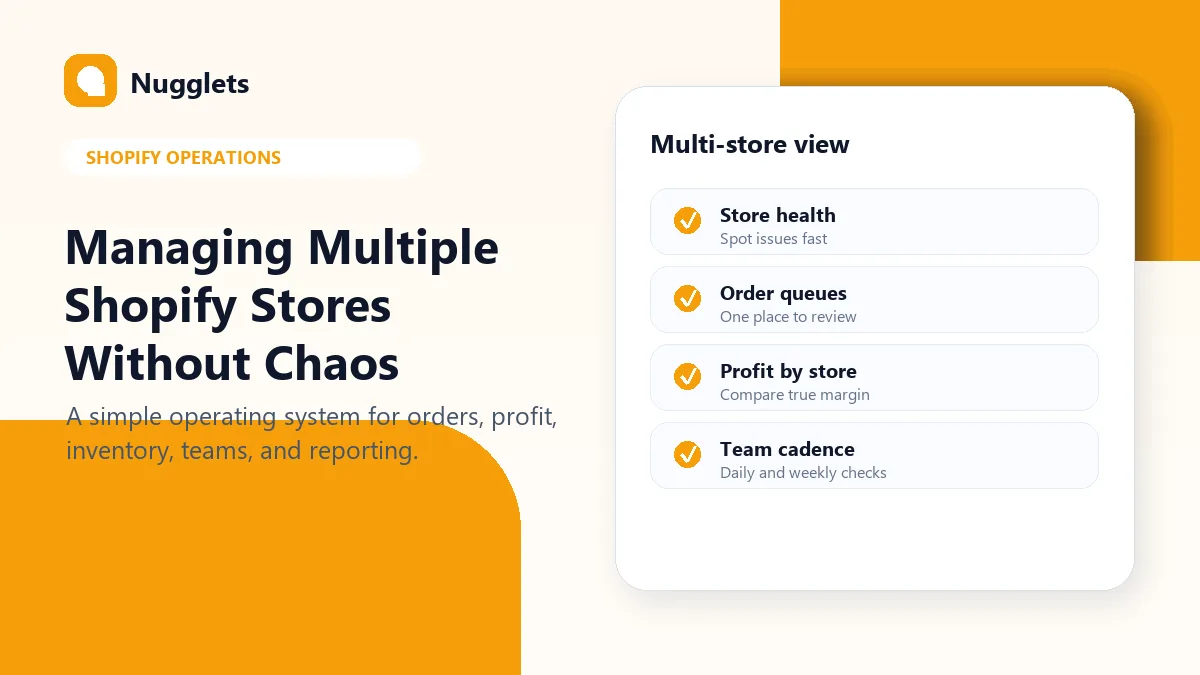
Managing Multiple Shopify Stores Without Chaos


Comments 0