
Managing Multiple Shopify Stores: Complete 2026 Guide
 Brian @brian
·
·
10 min read
4 views
Brian @brian
·
·
10 min read
4 views
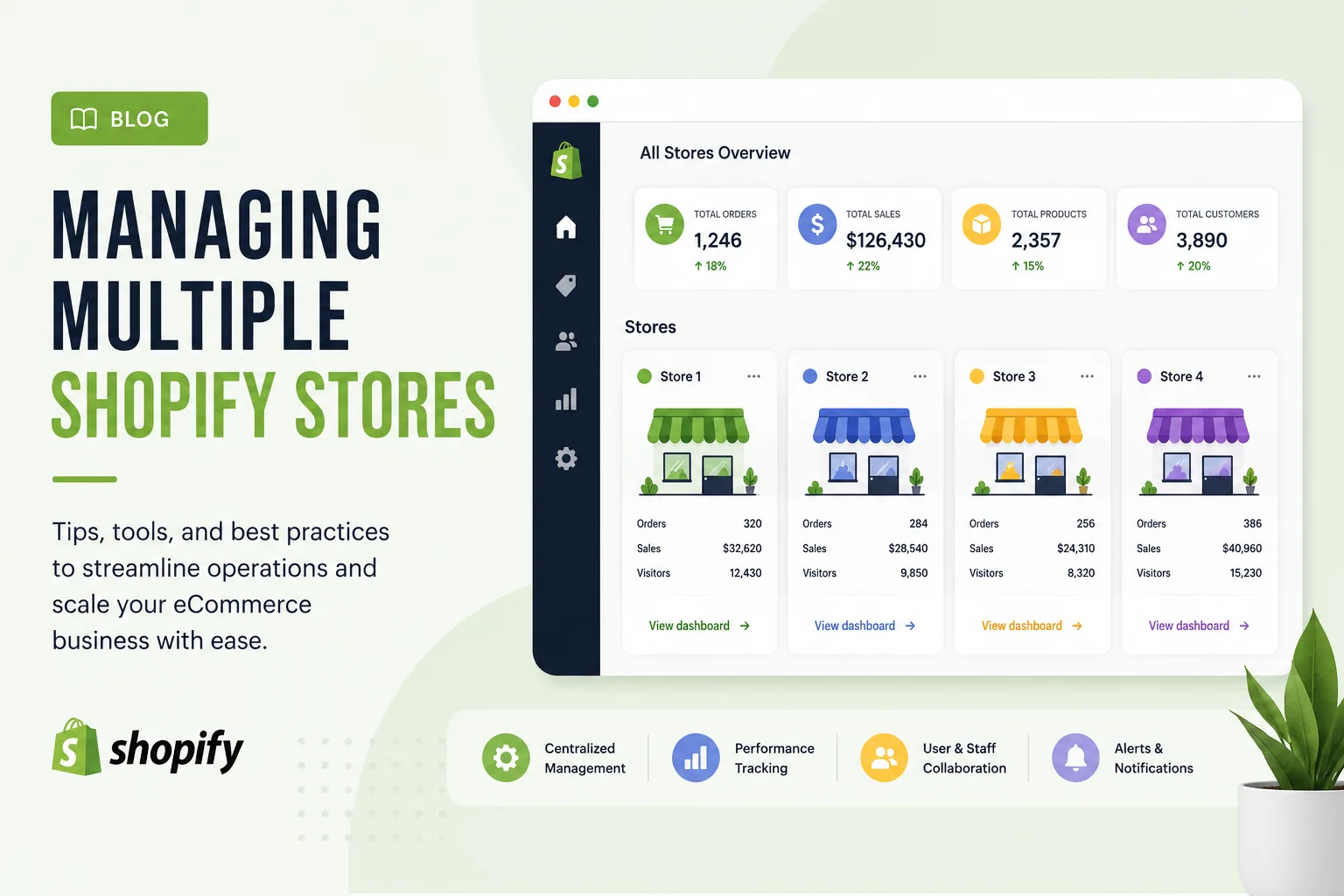
Running one Shopify store is hard. Running three or four is a different sport. Every product update, order, and customer message multiplies. Done well, a multi-store setup unlocks new markets, separates brands, and grows revenue. Done badly, it quietly drains your team's hours and your margins.
This guide covers what managing multiple Shopify stores actually involves in 2026: when it's worth it, the two ways to set it up, the operational pitfalls that catch most merchants, and the tools that hold a portfolio together.
The quick answer
Managing multiple Shopify stores means operating two or more independent storefronts, each with its own admin, domain, products, and customer base, under your business. There are two ways to do it:
- Standard plans (Basic, Grow, Advanced): every store is its own paid subscription. No discount, no native sharing of data between stores. You can attach them all to one login email for easier switching.
- Shopify Plus: one contract covers up to 10 stores (1 primary + 9 expansion stores), managed from a centralized Organization Admin with unified billing and user permissions.
Most operational headaches, like inventory sync, consolidated reporting, and brand consistency, aren't solved by Shopify itself. You'll need a small stack of tools and a clear set of internal processes. We'll cover both.
When multiple stores actually make sense
Before adding a second store, check whether you really need one. The biggest mistake we see is opening a new store when a feature inside your existing store could do the job. Multiple stores genuinely help in four scenarios:
- Distinct brands. If you sell premium skincare under one brand and budget skincare under another, mixing them on one storefront confuses customers and weakens both. Separate stores protect each brand's positioning.
- B2B and B2C separation. Wholesale buyers and retail shoppers want different pricing, payment terms, and product visibility. Shopify's dedicated vs blended B2B store guide walks through both options.
- Localized international experiences. When a region needs more than a translated checkout (different products, different fulfillment, different legal requirements), a dedicated store is cleaner than stretching one store to fit.
- Operational separation. Some businesses run an outlet or clearance store separately to protect the main brand's perceived value.
For everything else, Shopify Markets probably solves it inside one store, with the same catalog, multiple currencies, regional pricing, and localized domains. Markets handles most international expansion without a second subscription.
The two ways to set up multiple stores
Option 1: Standard plans, separate subscriptions
On Basic, Grow, or Advanced, each store is treated as its own account. You can create as many as you want, but every store carries its own monthly bill, its own staff seat limit, and its own admin. There's no native data sharing.
The one piece of convenience Shopify offers: you can group stores into an organization, share users across them, and switch between admins from one login. Shopify's docs on grouping a store to an organization walks through the setup.
Three Advanced plans cost roughly $1,200/month, and that's before apps. Once you're running three or more standard-plan stores, the math usually starts pointing toward Plus.
Option 2: Shopify Plus with expansion stores
Shopify Plus includes up to 10 stores under one contract: your main store plus up to 9 expansion stores, all managed through Organization Admin. You get unified user management, centralized billing, and shared access to Plus features (Shopify Flow, Launchpad, B2B, Checkout Extensibility) across every store.
A few constraints to know up front:
- Expansion stores must represent the same brand. Running fully distinct brands requires separate Plus contracts.
- Billing currency must be USD or INR.
- Staging stores don't count toward the 10-store cap.
- Need more than 10? Extra stores run about $300/month each.
Plus starts around $2,300/month on a 3-year term, with a variable fee above $800K/month in sales. The setup process is documented in Shopify's guide on creating stores within an organization.
The five operational problems you'll face
Shopify will happily let you open a second store. It won't help you run one. These are the problems that catch every multi-store operator, in roughly the order they bite.
1. Inventory drift
Shopify doesn't sync inventory between stores natively. Even on Plus, expansion stores don't share data by default. The moment you sell the same SKU on two storefronts, you're at risk of overselling: selling the last unit twice, refunding customers, and burning trust. This breaks within the first week of running shared catalogs without a sync tool.
The fix is a sync app or a central inventory system. Syncio handles real-time product and stock sync between Shopify stores starting around $19/month. For bigger operations, ERP-style platforms like Cin7 or Brightpearl become the single source of truth that every store pulls from.
2. Fragmented order management
Each store generates its own order queue, its own returns, its own fulfillment workflow. Without consolidation, support teams flip between admins, fulfillment falls behind, and customers wait. Centralize on one shipping or order management platform. ShipStation and ShipBob both handle multiple Shopify connections from a single dashboard.
3. Inconsistent product data
Edit a product description on Store A, forget to update Store B, and you've got two different versions of the same SKU live. Multiply that across hundreds of products and several stores and your catalog becomes unreliable. The lasting fix is a Product Information Management (PIM) system like Akeneo or Salsify that holds the canonical product data and pushes updates to every store. For lighter setups, Matrixify handles bulk imports and scheduled syncs across stores for $20-$200/month.
4. No consolidated reporting
Each store's analytics live in its own admin. You lose the cross-store view: total revenue, blended margin, customer overlap. Without rolling these up, you can't tell which store actually earns. Plus admins get aggregated views inside Organization Admin natively. Shopify's docs on organization analytics walk through multi-store reporting. For non-Plus users, tools like Putler or a data warehouse setup pull each store's data into one place.
5. Team and staff complexity
Staff seats are capped per store on standard plans (Basic gives 2, Grow 5, Advanced 15), and the same person counts as a seat on every store they access. Three Basic stores with a shared team and you'll run out of seats fast. Plus removes the cap and lets you assign roles at the organization level. Shopify's guide to managing users covers the permission setup.
Tools that actually help
The Shopify App Store has thousands of multi-store tools. These are the categories that matter, with examples that real merchants actually use:
| Job | Tool examples | When you need it |
|---|---|---|
| Product & inventory sync | Syncio, Matrixify | From your second shared SKU onward |
| Order & shipping | ShipStation, ShipBob, Shopify Flow (Plus) | As soon as fulfillment spans 2+ stores |
| Email marketing | Klaviyo (separate accounts per store) | Once each store has its own list |
| Customer service | Gorgias, Zendesk | When support queues split across stores |
| Reporting | Putler, TrueProfit, Organization Admin (Plus) | Once you can't eyeball cross-store totals |
| Inventory planning | Cin7, Brightpearl | At 3+ stores or complex stock |
| Bookkeeping | QuickBooks, Xero with multi-store connectors | From day one of store #2 |
Resist the urge to install one app per store per problem. Every duplicated tool is duplicated cost and duplicated maintenance. Pick one tool per category and run it across all stores.
Eight best practices for running multiple stores
The merchants who keep multi-store portfolios running smoothly tend to follow the same playbook. None of these are exciting; they're just the disciplines that prevent fires.
- Set one source of truth for product data. Whether it's a PIM, an ERP, or a single "master" Shopify store, decide where canonical product information lives. Every other store pulls from that source.
- Document standard operating procedures. A product launch on three stores should follow the same checklist every time. SOPs in a shared doc save more hours than any app.
- Sync inventory before you launch shared products. Don't list the same SKU on a second store without a sync tool already running. Overselling on day one is preventable.
- Keep policies consistent across stores. Customers who interact with two of your stores notice when return policies, shipping rules, or support response times differ. Either standardize them or explain the difference clearly.
- Centralize support. One helpdesk, multiple inboxes, so agents see every customer's history regardless of which store they bought from.
- Build a weekly cross-store reporting habit. Pull revenue, orders, AOV, and refund rate for each store into one view. Weekly. The first time you skip a week is the first time something quietly breaks.
- Audit branding and storefronts quarterly. Drift is inevitable: a banner here, an outdated header there. Schedule cross-store audits to catch inconsistencies before customers do.
- Plan tax obligations per store, with an accountant. More stores can mean more nexus, more filing locations, more entities. Get advice before opening, not after. Shopify's US tax liability guide covers the basics.
The mistakes that sink multi-store operations
Three mistakes show up over and over in post-mortems:
- Opening a second store too early. If Shopify Markets, collections, or B2B features inside your current store could do the job, use them. A new store you can't operate well is worse than no new store.
- Underestimating the operational tax. Every store multiplies inventory, support, marketing, and accounting work. Without tools and processes, the burden grows faster than the revenue.
- Manually updating products across stores. Sustainable for two stores, painful at three, impossible at four. Invest in a sync tool before you need it, not after the catalog has already drifted.
Frequently asked questions
Can you manage multiple Shopify stores from one dashboard?
Yes, but how depends on your plan. On Shopify Plus, the Organization Admin gives you a centralized dashboard for users, billing, and analytics across all stores. On standard plans, you can group stores into an organization and switch between admins from one login, but there's no native unified dashboard. Third-party tools like Multi-Admin or Putler stitch the data together.
Do you need Shopify Plus to manage multiple stores?
No. You can run unlimited stores on standard plans, each with its own subscription. Plus becomes worth it when you're paying for three or more Advanced plans, when you need unified governance, or when you want native multi-store features like Organization Admin.
How do you sync inventory between Shopify stores?
Use a sync app like Syncio for store-to-store sync, or a central inventory system (Cin7, Brightpearl, an ERP) as the source of truth that pushes updates to every Shopify store via the API. There's no native cross-store inventory sync in Shopify.
What's the difference between Shopify Markets and multiple stores?
Shopify Markets is one store serving multiple regions with localized currencies, prices, and domains. Multiple stores means truly separate storefronts with their own admins, catalogs, and teams. Markets is simpler and cheaper; multiple stores offer deeper separation. Most international businesses start with Markets and only split into separate stores when regional operations genuinely diverge.
How much does running multiple Shopify stores cost?
On standard plans, multiply the plan fee by the number of stores, with no discount. Three Advanced stores: ~$1,200/month before apps. On Shopify Plus, ~$2,300/month covers up to 10 stores, with extras at ~$300/month each. Add per-store costs for themes (typically licensed per store), most apps, and the multi-store tooling stack we covered above.
What to do next
Running multiple Shopify stores is a systems problem, not a Shopify problem. The platform handles store creation; you handle everything that makes the stores work together. Get the operations layer right (inventory, orders, reporting, team), and the multi-store setup becomes a growth lever instead of an overhead.
If you're starting fresh, Shopify's official Organization settings documentation is the best place to understand the multi-store architecture before you build it. Pair that with the expansion stores overview if you're on or considering Plus.
Plan names, prices, and limits reflect Shopify's structure as of June 2026. Confirm current figures on Shopify's pricing page before making decisions.
Run your whole store from one dashboard
Track orders, suppliers, inventory and real profit with Nugglets.
See Nugglets

Comments 0