
Managing Multiple Shopify Stores as a Small Team
 Brian @brian
·
·
10 min read
5 views
Brian @brian
·
·
10 min read
5 views
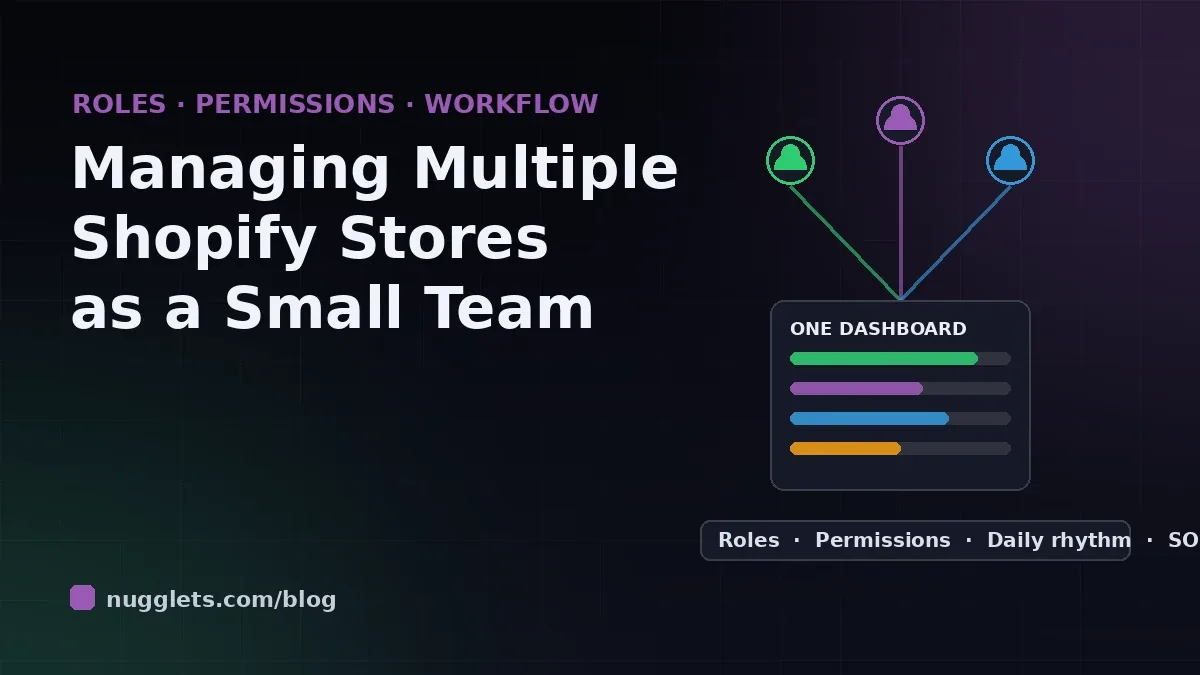
The hardest part of managing multiple Shopify stores is rarely the software. It is the moment the owner realizes they have become the bottleneck: every order question, supplier email, and price change for every store runs through one person's brain. Two stores at modest volume can generate more small decisions per day than one person can make well, and the cracks show up as late fulfilment, unanswered support tickets, and marketing that quietly stops happening.
This guide covers the people side of multi-store operations: how to divide the work among a team of two to five, how to set Shopify staff permissions so delegation does not become a security problem, and the daily and weekly routines that let a small crew run several stores without dropping anything important.
If you are still deciding whether to expand at all, start with the operational basics in our guide to managing multiple Shopify stores without chaos; this article assumes the stores already exist and the problem is running them with humans.
Why Multi-Store Teams Break Down
Small ecommerce teams rarely fail from lack of effort. They fail from three structural problems that multiply with each additional store.
The first is owner-as-router. When every decision passes through the founder, adding a store does not add capacity, it adds queue length. The team waits on answers, and the owner spends the day context-switching between stores instead of improving any of them.
The second is invisible ownership. When "everyone" watches orders on both stores, in practice no one does. Two people check the same store's queue while the other store's refund requests age for three days. Without explicit per-store, per-task ownership, coverage is an accident.
The third is fragmented information. Each store has its own admin, its own analytics, and its own inbox. A team member helping across stores burns an astonishing amount of time just logging in and out, and nobody holds the full picture of how the business is doing. Owners routinely underestimate this cost until they see how much of the week disappears into tab-switching.
Map the Work Before You Assign It
Before assigning roles, list what actually has to happen. Across most multi-store operations, the recurring work falls into six buckets:
- Order operations: reviewing new orders, resolving payment and address problems, coordinating fulfilment, and handling returns.
- Customer support: pre-sale questions, shipping updates, complaints, and review management for each storefront.
- Catalog and inventory: product updates, pricing changes, stock counts, and supplier communication.
- Marketing: ads, email flows, content, and promotions, usually with per-store creative.
- Finance: tracking revenue, costs, and per-store profit, plus paying suppliers and reconciling fees.
- Improvement: the non-urgent work that compounds: conversion tests, new product research, process fixes.
Write the list on one page with two columns per item: which store, and who owns it. The exercise takes an hour and usually surfaces the same finding: the owner currently holds four of the six buckets for every store, which is exactly why nothing feels finished.
Team Structures That Work for Two to Five People
Two people: split by function, not by store
With one founder and one hire, resist the instinct to give each person a store. Volume is rarely equal between stores, and store-splitting duplicates every skill. Instead, split by function: one person owns everything customer-facing across all stores (orders, support, returns), the other owns everything supply-facing (catalog, suppliers, inventory) plus finance and marketing. Each function works the same way on every store, so the specialist gets faster at it everywhere simultaneously.
Three or four people: functions first, then a floater
The next hires deepen the functional split: a dedicated support person across all stores, then a catalog and fulfilment person. The founder retreats to marketing, finance, and improvement work. A useful pattern at this size is the designated floater: one person whose written role includes absorbing whichever store is spiking that week, because multi-store volume never spikes evenly.
Five people: add per-store ownership on top
Around five people, pure functional splitting starts to blur accountability for store-level results, so add a light ownership layer: each store gets a named "store lead" who watches its numbers and speaks for it in the weekly review, even while day-to-day tasks stay functional. Store leads are how you notice that store two's conversion rate has drifted down for a month, a signal that belongs to someone rather than to everyone. Tracking per-store performance is much easier when profit is broken out cleanly, as we cover in managing multiple Shopify stores without losing profit.
Set Up Shopify Permissions Properly
Delegation without permission hygiene is how small teams end up with a former freelancer who still has checkout settings access on two stores. Shopify's staff accounts support granular permissions, and multi-store teams should use them deliberately.
Follow least privilege: grant each person only the permission set their bucket requires. A support teammate needs orders, draft orders, and customers; they do not need products, apps, or settings. A catalog person needs products and inventory but has no business in billing. It feels bureaucratic at three people; it prevents disasters at every size.
Remember that staff accounts are per store. The same person helping on three stores needs three invitations, and their permissions can and should differ per store. Keep a simple access register: one sheet listing every person, every store, and what they can touch, reviewed monthly and updated the day someone leaves. For freelancers and agencies, prefer collaborator access over staff accounts, since it does not consume a staff seat and is easier to revoke cleanly.
Two more habits pay for themselves. Require two-factor authentication for every account on every store, because a compromised staff login on a forgotten second store is a common attack path. And never share logins: shared credentials make permissions meaningless and audit trails useless.
The Daily Rhythm: Running Every Store in Under an Hour of Overhead
Multi-store teams live or die by routine. The goal of the daily rhythm is that every store gets its vital signs checked without anyone holding it all in their head.
Morning (15 to 20 minutes, whole team async): each owner checks their bucket across all stores: new orders needing attention, support queue age, stock alerts, and yesterday's numbers per store. The check is dramatically faster when orders, inventory alerts, and per-store profit sit in one consolidated ecommerce business dashboard instead of separate admins.
Midday: a single written check-in, in chat or a shared doc, with one line per store: anything blocked, anything spiking, anything weird. Weird is the important category; the strange refund pattern that gets mentioned at noon is the fraud problem that does not blow up on Friday.
End of day (10 minutes): the support and orders owner confirms both queues are at inbox zero or has flagged why not, and tomorrow's must-do list per store is written before the day's context evaporates.
Notice what is absent: meetings. At two to five people, standing meetings mostly convert working time into talking time. The written rhythm carries the same information asynchronously.
The Weekly Operating Review
Once a week, the team spends forty-five minutes looking at every store side by side. The agenda is fixed: last week's revenue, ad spend, and profit per store; support themes worth fixing at the root; inventory risks for the next two weeks; and one improvement commitment per store, sized small enough to actually ship.
The side-by-side part matters more than it looks. Blended numbers let a weakening store hide behind a strong one for months. Reviewing stores in parallel, with the same metrics in the same order, makes divergence impossible to miss and turns the weekly review into the early-warning system that daily firefighting never provides.
Keep minutes in the same doc every week. Six months of weekly notes is the closest thing a small operation has to an operations manual, and it makes onboarding the next hire mostly a reading assignment.
Write It Down: SOPs Are How Small Teams Scale
Every recurring task that lives in someone's head is a task the business loses when that person is sick, on holiday, or gone. The fix is boring and effective: standard operating procedures, written the first time the task is done correctly, stored where the whole team can find them.
Keep each SOP short: the trigger, the steps with screenshots, and what "done" looks like. Refund handling, supplier reorders, product launch checklists, and the morning check itself are the first four worth writing. A new team member with good SOPs is productive in days; without them, in months. Write the SOP once per function, then note per-store differences inline, since most workflows are 90 percent identical across stores.
Common Delegation Mistakes Multi-Store Owners Make
- Delegating tasks but not decisions. If the VA can process a return but not approve one, you have hired a queue, not a teammate. Define the decision limits, like refunds under a set amount, that each role owns outright.
- Splitting people across stores by percentage. "Spend 60 percent on store one" is unmanageable. Assign whole functions or whole days instead.
- Granting admin access because it is faster. It is faster right up until an app gets installed on the wrong store or a theme gets edited live.
- Keeping finance private. A team that cannot see per-store profit cannot prioritize. Share at least directional numbers in the weekly review.
- Skipping the handover doc. When a person leaves, their store knowledge leaves too, unless SOPs and the access register already captured it.
Frequently Asked Questions
How many people do you need to run two Shopify stores?
Many two-store operations run on one full-time owner plus one part-time hire, provided fulfilment is outsourced and routines are written down. The constraint is usually decision load, not hours, which is why the functional split and decision limits matter more than headcount.
Can one person have staff access to multiple Shopify stores?
Yes. The same email can be invited as staff on any number of stores, with independent permissions on each. Access is managed per store, so keep a register of who can touch what.
Should each store have its own support inbox?
Each brand needs its own customer-facing address, but the team should work them from one shared helpdesk view. Separate customer identities, unified internal queue.
Final Thoughts: The Team Is the System
Managing multiple Shopify stores as a small team comes down to making ownership explicit. Map the six buckets of work, split them by function, set permissions to match the split, and let a daily written rhythm and a weekly side-by-side review carry the coordination. None of it requires more people; it requires that the people you have stop routing everything through you.
Do that, and the stores stop competing for your attention and start compounding: shared skills, shared processes, and a business that runs on a system instead of a founder's memory.
Your First 30 Days: Putting the System in Place
Reorganizing while orders keep arriving is easier with a staged rollout. In week one, do the mapping exercise: list the six work buckets per store, mark current owners, and write the access register. Change nothing yet; just make the current state visible. In week two, make the first functional split official, move permissions to match it, and revoke every access the register cannot justify.
Week three is routine week: start the morning check, the midday one-liner, and the end-of-day queue confirmation, and hold the first side-by-side weekly review even if the numbers arrive in a spreadsheet. In week four, write the first four SOPs while the new routine is fresh, and let the team correct them as they use them.
By day thirty the operation should pass a simple test: the owner takes two full days off, and nothing customer-facing slips on any store. If that test fails, the failure points to the exact bucket that still routes through one person, which is precisely the next thing to fix.
Run your whole store from one dashboard
Track orders, suppliers, inventory and real profit with Nugglets.
See NuggletsKeep reading
Should You Open a Second Shopify Store? How to Decide
How to Sync Inventory Across Multiple Shopify Stores


Comments 0