
How to Set Up Multiple Shopify Storefronts or Microsites With One Backend
 Brian @brian
·
·
10 min read
9 views
Brian @brian
·
·
10 min read
9 views
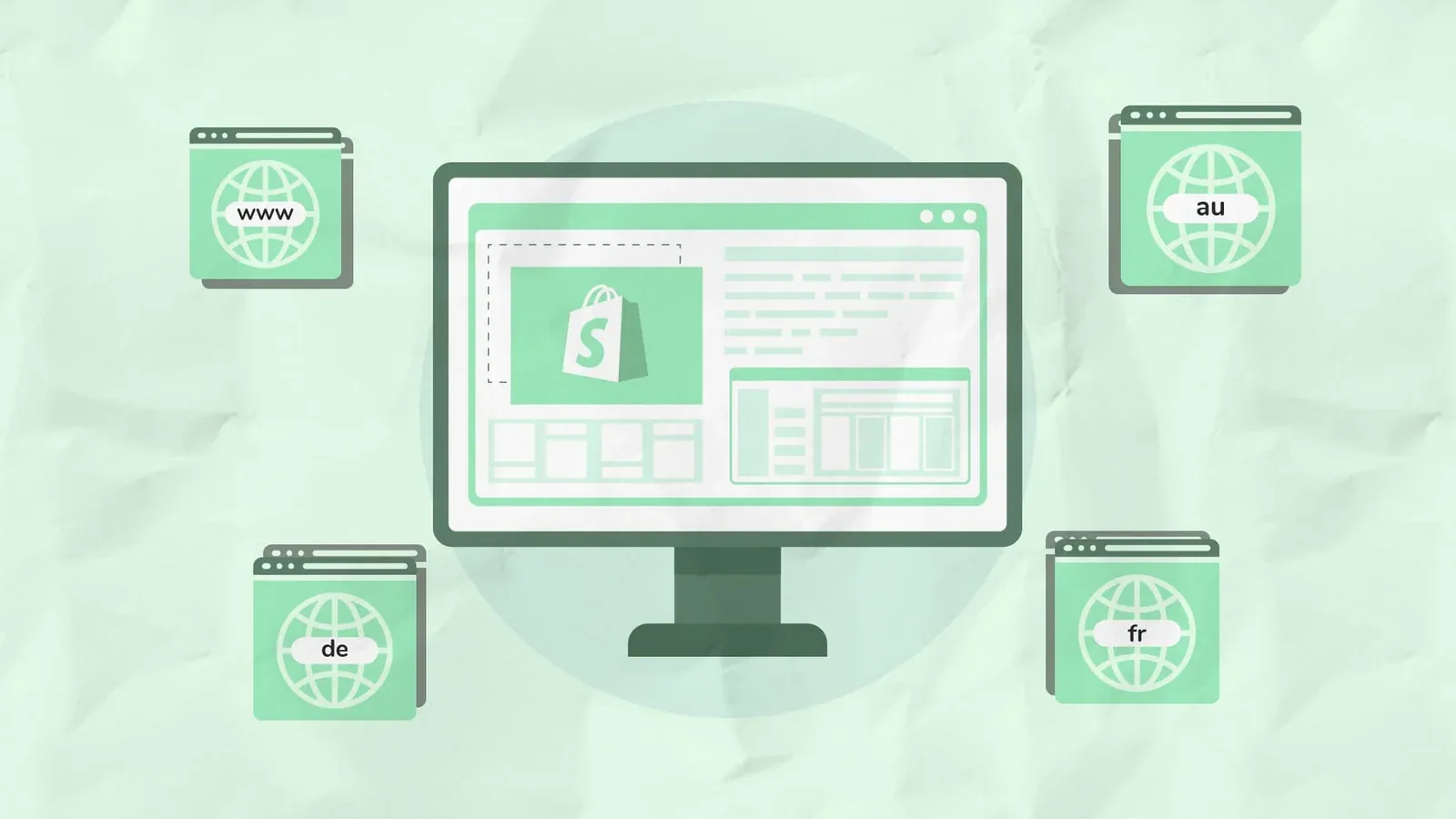
Running multiple storefronts from one Shopify backend can help you target different countries, audiences, product categories, campaigns, or brands without creating unnecessary operational work.
The important part is choosing the right setup.
A localized storefront for France is not the same as a campaign microsite. A niche product landing site is not the same as a fully independent branded ecommerce experience. Shopify can support all of these approaches, but the best method depends on how much separation you need between the customer-facing sites.
This guide explains how to create multiple Shopify storefronts or microsites while keeping one Shopify admin for products, orders, inventory, customers, reporting, and operations.

Image source: Pexels. Confirm the current license and any visible brand or product-use considerations before publishing. (Pexels)
Can You Have Multiple Shopify Storefronts With One Backend?
Yes, but there are different ways to do it.
For international selling, Shopify Markets lets you create localized storefront experiences using country-specific domains, subdomains, or subfolders. You can tailor language, currency, content, products, and theme elements by market while continuing to manage the business from one Shopify store. (Shopify Help Center)
For true independent microsites with different branding, layouts, navigation, and customer journeys, Shopify’s Headless channel and Storefront API are the better choice. Shopify allows multiple custom storefronts through the Headless channel, each with its own API tokens and order attribution. (Shopify)
Before you begin, remember this distinction:
-
Shopify Markets is best for regional storefronts and localized customer experiences.
-
Theme-based landing hubs are best for campaigns, collections, and product categories within one branded store.
-
Headless storefronts are best for true Shopify microsites or separate branded experiences.
-
Separate Shopify stores are usually better when brands need completely separate catalogs, legal entities, teams, checkout logic, or operations.
Choose the Right Multiple Storefront Setup

Use this quick decision guide before building anything:
Use Shopify Markets when you need:
-
Different countries, currencies, or languages
-
Country-specific domains such as
yourbrand.fr -
Region-specific pricing or product availability
-
Localized content and promotions
-
One brand with multiple international customer experiences
Shopify supports top-level domains, subdomains, and subfolders for international markets. For example, a store can use example.com for the United States and example.fr, fr.example.com, or example.com/fr-fr for France. (Shopify Help Center)
Use theme-based microsites when you need:
-
Dedicated product category hubs
-
Seasonal campaigns
-
Influencer landing pages
-
Niche collections
-
Product launch pages
-
SEO-focused content hubs
This approach keeps everything under your primary Shopify site while allowing different templates, sections, navigation paths, and landing pages. Shopify themes can support multiple templates for different products, pages, and content use cases. (Shopify)
Use headless Shopify storefronts when you need:
-
Separate domains with distinct branding
-
A completely different site design
-
Different navigation structures
-
Custom frontend experiences
-
Multiple niche stores connected to one Shopify catalog
-
More control over site speed, layouts, and content
Option 1: Set Up Regional Shopify Storefronts With Shopify Markets

Shopify Markets is usually the easiest option when your goal is to serve customers in different countries without creating separate Shopify stores.
You can create localized versions of your store using:
-
Subfolders, such as
yourbrand.com/en-ca -
Subdomains, such as
ca.yourbrand.com -
Country-specific domains, such as
yourbrand.ca
For most stores starting international SEO, Shopify recommends subfolders because they require less setup and benefit from the authority of your primary domain. Subdomains and country-code domains can make sense when you need stronger separation between markets. (Shopify Help Center)
How to set up multiple regional storefronts in Shopify
-
Go to Settings > Domains in Shopify.
-
Connect or buy the domains and subdomains you plan to use.
-
Go to Markets in your Shopify admin.
-
Select the market you want to customize.
-
Open Languages and domains.
-
Choose whether the market should use a separate domain, subdomain, or subfolder.
-
Add the required language and localization settings.
-
Customize content, theme sections, products, and pricing for that market.
-
Test redirection, currency, checkout, and mobile navigation before publishing.
Shopify allows up to 20 domains or subdomains on standard plans, while Shopify Plus stores can add up to 1,000. (Shopify Help Center)
You can also customize Shopify theme sections and blocks by market. This is useful when your UK storefront needs different promotions, banners, product messaging, or merchandising than your US storefront. (Shopify Help Center)
Option 2: Create Shopify Microsites Inside One Theme

Not every Shopify microsite needs its own domain or frontend.
For many ecommerce brands, the smarter approach is creating dedicated campaign hubs inside the existing Shopify theme. This keeps your operations simple while still allowing you to build focused customer journeys.
Examples include:
You can create unique page templates, collection templates, landing pages, and dedicated navigation menus for each microsite-style area. Shopify supports multiple versions of templates, allowing stores to create different page experiences for different products or use cases. (Shopify)
This approach is ideal when the products, checkout, brand, and operations remain the same, but the marketing message changes.
For example, a fitness brand could create separate landing experiences for:
-
Home workout equipment
-
Yoga products
-
Recovery tools
-
Gym accessories
-
Gift bundles
All products, stock levels, orders, and customer data stay in the same Shopify backend.
Important: Alias domains are not independent storefronts
Connecting several domains to Shopify does not automatically give each domain a different website. Shopify domain targets can have a primary domain plus alias or redirect domains, but aliases do not create a separate storefront experience by themselves. (Shopify Help Center)
If you want brand-a.com and brand-b.com to display completely different storefronts while using the same Shopify backend, you will usually need a headless setup.
Option 3: Build True Shopify Microsites With a Headless Storefront

A headless Shopify setup separates the frontend website from Shopify’s backend.
Shopify remains responsible for your products, inventory, customers, orders, checkout, and commerce operations. Your frontends can then be built as separate sites using Shopify’s Storefront API.
This is the best solution for businesses that want multiple Shopify microsites with different designs, content strategies, domains, or customer journeys.
For example:
-
brand.comfor your main ecommerce store -
giftbrand.comfor gift-focused products -
wholesale.brand.comfor B2B buyers -
productcategory.comfor a niche product line -
campaignbrand.comfor a seasonal promotion
All of these can connect back to one Shopify backend.
How to create multiple headless Shopify storefronts
-
Add the Headless sales channel in Shopify.
-
Go to Sales channels > Headless.
-
Select Add storefront.
-
Name each storefront clearly, such as “US Store,” “Wholesale Store,” or “Gift Microsite.”
-
Configure Storefront API permissions.
-
Generate and manage storefront access tokens.
-
Build each frontend with Shopify Hydrogen or another compatible headless stack.
-
Connect the correct domain to each microsite.
-
Test product visibility, cart behavior, checkout, analytics, and order attribution.
Shopify states that a store can have up to 100 active headless storefronts and access tokens per shop. Each storefront can be tracked as its own sales channel for order attribution and reporting. (Shopify)
One important consideration is permissions. Storefront and Admin API permissions are shared across headless storefronts, so carefully limit access to only the data each frontend needs. (Shopify)
SEO Best Practices for Multiple Shopify Storefronts

Multiple storefronts can improve SEO when each site serves a clear audience. They can also create duplicate-content problems when the same pages are copied across multiple domains without localization or a distinct value proposition.
Follow these SEO rules:
1. Give every storefront a clear purpose
Each storefront should target a unique audience, country, product category, or search intent.
Good examples:
-
A US storefront targeting US customers
-
A French storefront with translated and localized content
-
A wholesale portal for B2B buyers
-
A niche microsite focused on one product category
-
A dedicated dropshipping product research tool landing site
Avoid launching separate domains that display nearly identical content to the same language audience. Shopify specifically warns that using multiple domains for the same language can create duplicate-content issues and harm search visibility. (Shopify Help Center)
2. Use the right domain structure
For international SEO:
-
Subfolders are usually the easiest way to retain authority from the main domain.
-
Subdomains create clearer market separation but can build authority more slowly.
-
Country-code domains can provide stronger local relevance but require more SEO effort for each separate domain. (Shopify Help Center)
3. Localize content, not just language
Do not simply translate the same product page word-for-word.
Adapt:
-
Product descriptions
-
Shipping details
-
Currency
-
Promotions
-
Measurements
-
Legal information
-
Seasonal messaging
-
Local keyword phrases
Shopify notes that search engines reward unique, localized content beyond direct translation. (Shopify Help Center)
4. Submit each domain to Google Search Console
When you add separate domains or subdomains, submit the sitemap for each one in Google Search Console. Shopify recommends this to speed up indexing for new storefront structures. (Shopify Help Center)
Track Sales and Profit Across Every Shopify Storefront
Multiple storefronts can create more sales opportunities, but they can also make reporting harder.
Revenue alone does not tell you whether a storefront is performing well. You also need visibility into:
-
Product costs
-
Shipping costs
-
Payment fees
-
Refunds
-
Advertising spend
-
Discounts
-
Supplier costs
-
Profit by storefront
-
Profit by campaign
-
Profit by product
A Shopify dashboard should help you understand which storefronts generate real profit, not just traffic or revenue.
This is where a Shopify profit tracker or ecommerce profit tracker becomes valuable. Instead of checking individual reports, store owners can use a Shopify dashboard to monitor sales, expenses, orders, and profitability in one place.
For businesses with several stores or storefronts, a multi store dashboard can help compare performance without losing visibility into COGS, ad spend, shipping, refunds, and supplier costs.
Common Mistakes to Avoid
Treating multiple domains as multiple websites
Adding several domains to Shopify does not automatically create different storefronts. Use Shopify Markets for localized regional experiences or headless storefronts for genuinely separate sites. (Shopify Help Center)
Copying the same content across every site
Duplicate content weakens the purpose of separate storefronts. Create unique content, localized messaging, and clear keyword targeting for each audience. (Shopify Help Center)
Building separate Shopify stores too early
Separate stores add complexity to inventory, reporting, apps, customers, fulfillment, and operations. Use one backend when the product catalog and operational workflows can stay shared.
Tracking revenue instead of profit
A storefront that produces high sales can still be unprofitable after product costs, shipping, ad spend, payment fees, and refunds. Use a Shopify profit tracker to make decisions based on true margins.
Frequently Asked Questions
Can one Shopify store have multiple storefronts?
Yes. Shopify Markets can support localized storefronts for countries and regions, while Shopify’s Headless channel can support multiple custom storefronts connected to one Shopify backend. (Shopify Help Center)
Can I use different domains with one Shopify backend?
Yes. Shopify lets stores add multiple domains and subdomains. Standard Shopify stores can add up to 20, while Shopify Plus stores can add up to 1,000. (Shopify Help Center)
Is Shopify Markets good for microsites?
Shopify Markets is best for country, language, currency, and regional storefront variations. It is less suitable for fully separate branded microsites with different site structures.
Do I need headless Shopify for separate brands?
Usually, yes, if each brand needs a completely different frontend, domain, navigation, design system, or marketing experience while still using one Shopify backend.
What is the best way to measure multiple Shopify storefronts?
Track revenue, conversion rate, order volume, COGS, shipping, payment fees, ad spend, refunds, and net profit for each storefront. A Shopify dashboard and Shopify profit tracker can make this much easier.
Conclusion
The best way to set up multiple Shopify storefronts depends on what you are trying to achieve.
Use Shopify Markets for international selling and localized customer experiences. Use theme templates and focused landing hubs for campaign microsites. Use Shopify headless storefronts when you need truly separate websites, domains, and branding while keeping one commerce backend.
The goal is not just to launch more storefronts. It is to create storefronts that are easier to manage, easier to measure, and more profitable.
Run your whole store from one dashboard
Track orders, suppliers, inventory and real profit with Nugglets.
See NuggletsKeep reading

Best Time to Post on TikTok Shop to Maximize Sales

How to Make Money on TikTok Shop: A Realistic Guide for Sellers



Comments 0